
5.5. Create project - Small example from A to
Z
5.5.6. Step 6: Test the new project in PARTdataManager /
3Dfindit |  |
| Prev | Next |
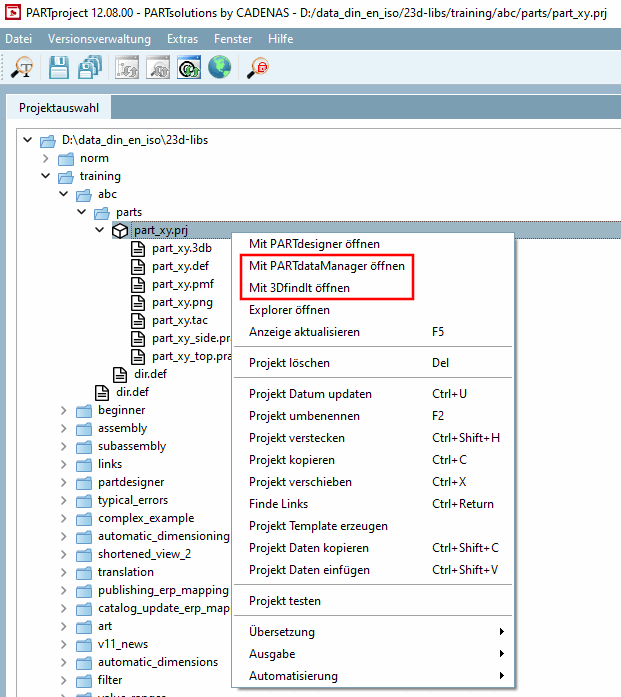
Click the context menu command Open with PARTdataManager [Open with PARTdataManager] or Open with 3DfindIt.
Open with PARTdataManager: [Open with PARTdataManager]
→ PARTdataManager is started and the part is opened in the part view [Part view].
→ 3Dfindit is started and the component is initially opened with a table and 3D view.
![PARTdataManager Parts view [Part view]](https://webapi.partcommunity.com/service/help/latest/pages/en/installation/doc/resources/img/img_9bc0ecfb59d24d858cd7b510579829b4.png)
![3Dfindit parts view [Part view]](https://webapi.partcommunity.com/service/help/latest/pages/en/installation/doc/resources/img/img_7f84aca350ce4323b6a0ff6b7a9ccaaa.png)