
 |
The Color Search has been revised and now provides some further benefits:
Tolerance is in relation to the difference from RGB value (Red, Ggreen, Blue)
Example: When searching for a RGB value {230, 20, 20}, meaning a reddish color, with tolerance 10, all colors in following range would be found:
220   <= R <=  240 and
 10   <= G <=   30 and
 10   <= B <=   30
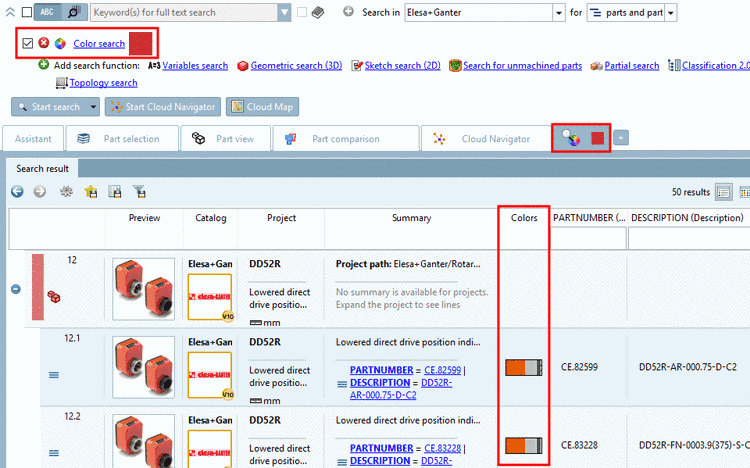
Display of dye distribution in search result (see following figure)

![[Note]](https://webapi.partcommunity.com/service/help/latest/pages/en/installation_ecatalogsolutions/doc/images/note.png)
Example for combination search (Text + Color):


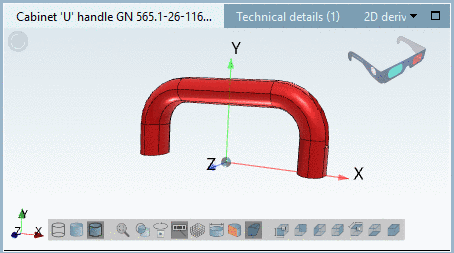
-> In the Colors column and in the Part view you can see the correct, searched part color.

Details on Color Search can be found under Section 3.1.6.4.8, “ Color Search ” in PARTsolutions - User manual.