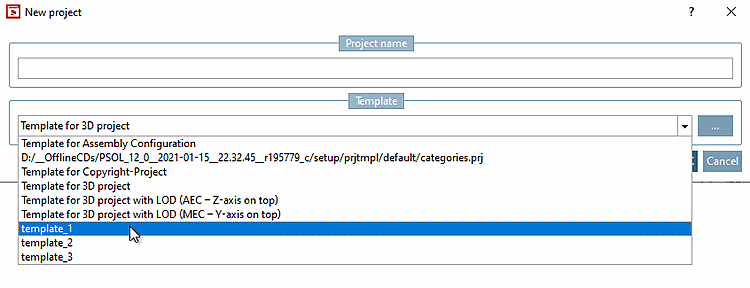
Under $CADENAS_SETUP/prjtmpl/default you will find the standard templates that are available when creating a new project.
!["New project [New project] " dialog box](https://webapi.partcommunity.com/service/help/latest/pages/en/installation_ecatalogsolutions/doc/resources/img/img_c27a37925de544af81612a31ab8d60e0.png)
As of V12 there is the possibility to extend the list with additional personal templates created from existing projects:
Select the desired project from which you want to create the template and click on the context menu command Create project template.
-> The Create new template for project [Creating a new template for a project] dialog box opens.
Enter the desired name under Template Name [Template name] and confirm with .
Click on the New project context menu command to open the dialog window of the same name.
Open the list field under Template. You can now use the previously created template for each new project.