

In order for a part to be able to be automatically placed, an adequate connection point has to be classified.
The garage door exemplarily used here is an assembly. That's why the respective connection point has to be made available on assembly level. Afterwards you can directly classify on assembly level.
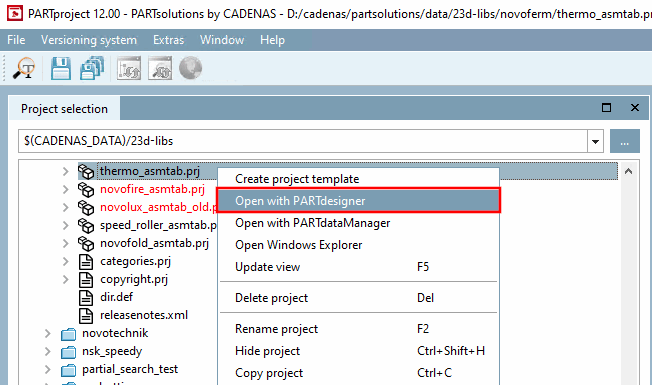
Select the assembly table project (*asmtab.prj) and click the context menu command Open with PARTdesigner.
-> The assembly configuration is opened.
Open the context menu on the main level and click on Add share attachment point [Add shared connection point].
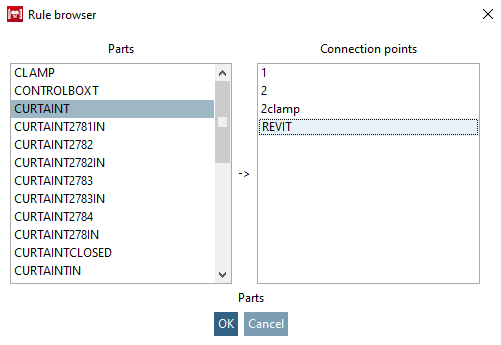
Determine the part and connection point in the rule browser [Rule browser].
-> The shared connection point has been added.
Select the corresponding template file (*.asmtpl.prj) and open the Classification tab page and then the 3D view subpage.
(In the case of assemblies no 3D content is shown.)
-> The shared connection point is displayed in the same-named dialog box.
Select the item and confirm with .
-> Now the standard user interface for the creation of published elements is displayed.
Activate the Placement Coordinate System class in the CNS classification.



![Select connection point [Choose connection point] (for assembly)](https://webapi.partcommunity.com/service/help/latest/pages/en/installation_ecatalogsolutions/doc/resources/img/img_b01e07ede1854b138cb2596eee44c9bb.png)