The following figure shows the user interface of PARTadmin.
![PARTadmin -> Category: Index management [Index administration]](https://webapi.partcommunity.com/service/help/latest/pages/en/partsolutions_admin/doc/resources/img/img_f30bf49f5c8f424dad0f5b76a0e47c45.png)
The PARTadmin user interface with index management [Index administration] selection is divided into the following areas:

| Menu and toolbar |

|
All administrative operations are carried out within PARTadmin. Use Category to select the specific use case (e.g. index management [Index administration], catalog updating [Catalog update], ERP environment, etc.) This section deals with index management [Index administration].
|

|
Content page of the selected category Index management [Index administration]
|

|
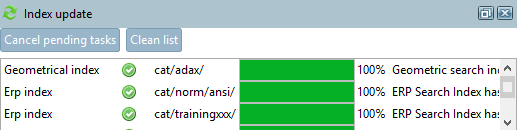
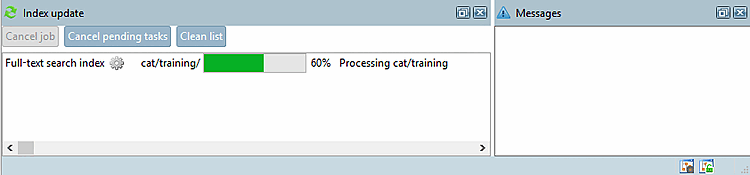
Progress display of the index update [Index update]
|

| |

|
|
![[Note]](https://webapi.partcommunity.com/service/help/latest/pages/en/partsolutions_admin/doc/images/note.png)
![Activate "Index update [Index update] " dialog area](https://webapi.partcommunity.com/service/help/latest/pages/en/partsolutions_admin/doc/resources/img/img_c81387494e4147f5834958d1489640c7.png)