

All selected catalogs are downloaded in one go and installed by default, unless the Install after download [Install after download] option has been deactivated.
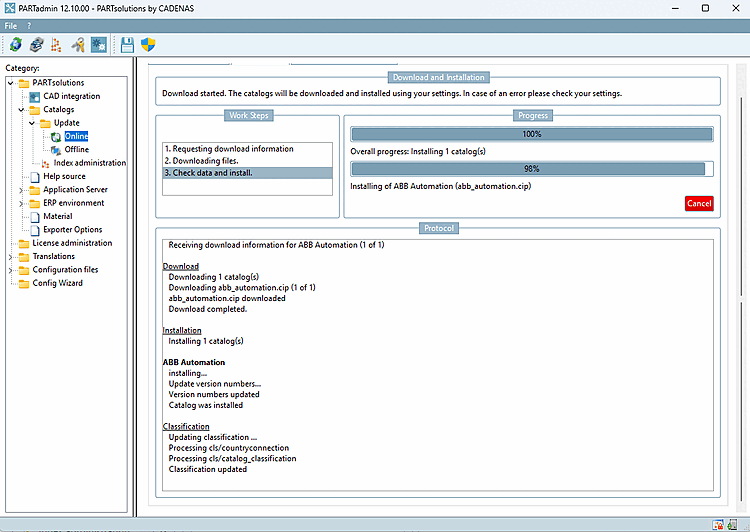
In the corresponding dialogs, you will be informed about the progress of the download and installation.
You can the download and installation at any time by clicking .
Once the catalog update has been successfully carried out, instead of , appears, where you can carry out updates again.
![[Important]](https://webapi.partcommunity.com/service/help/latest/pages/en/partsolutions_user/doc/images/important.png)