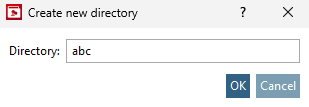
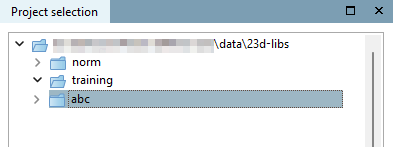
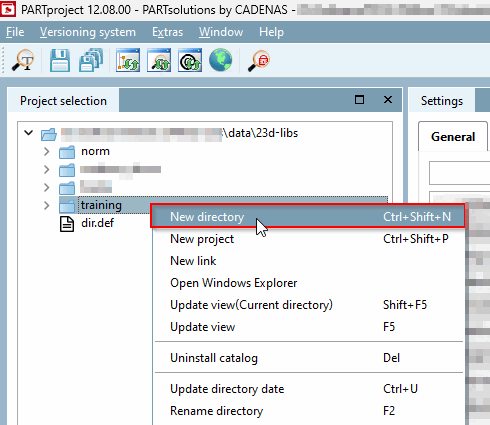
If the context menu command New directory or New project is grayed out when using SVN, first execute the context menu command Check out directories/projects (for editing) [Check out directories / projects (for work)] under Version management [Versioning system]. | 

![[Note]](https://webapi.partcommunity.com/service/help/latest/pages/en/partsolutions_user/doc/images/note.png)