The preview image could be differing.
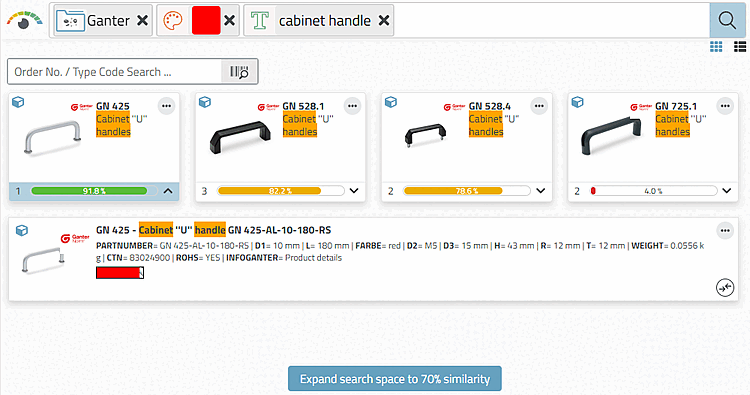
In the preview image on the bottom right, click on the black arrow
 .
.-> The color bar shows the accordance to search color.
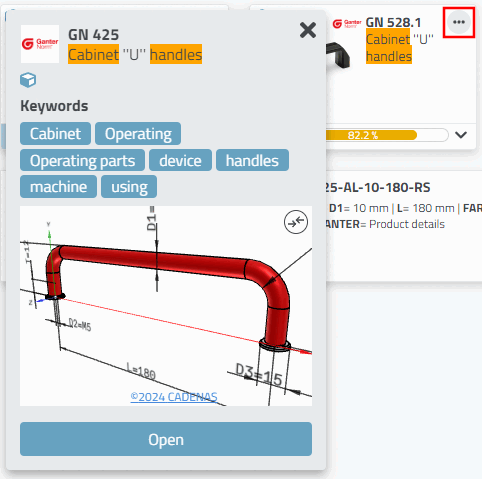
Open the preview by clicking on the icon
 .
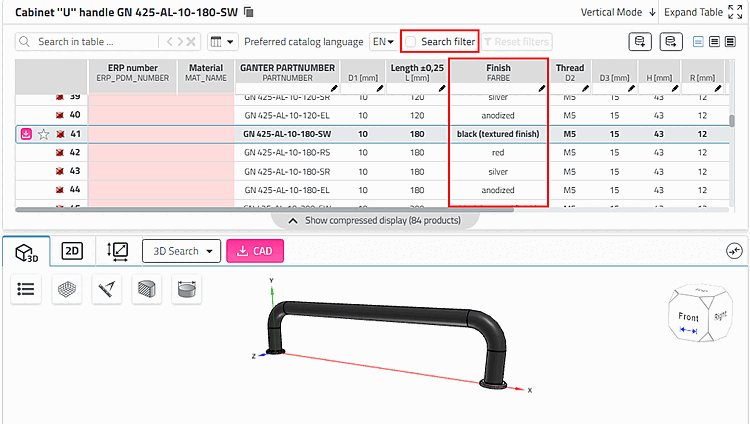
.If the Search filter option is deactivated, you will see additional lines in the open table in which the part is offered in other colors.
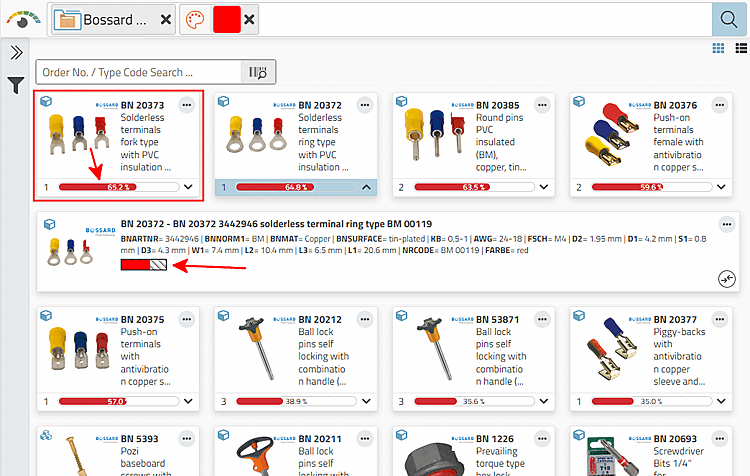
The color bar shows the accordance between search color and real part color. Even if the color does not match exactly, you will get hits; only the percental similarity is smaller.
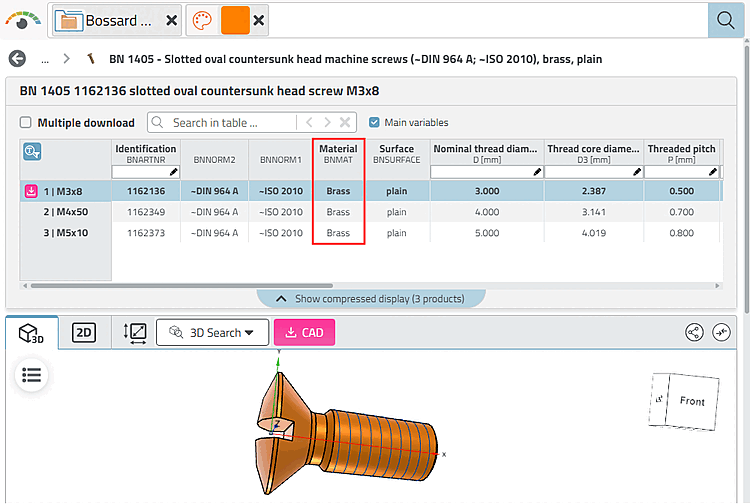
Brass screws, for example, will be found with orange color.
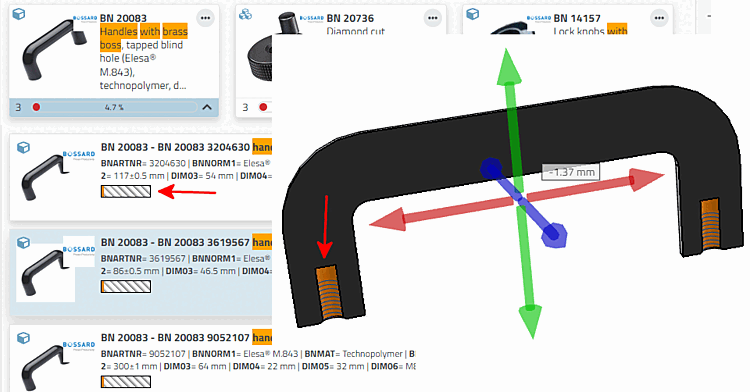
Sometimes only a look inside the part reveals why a hit was made.