

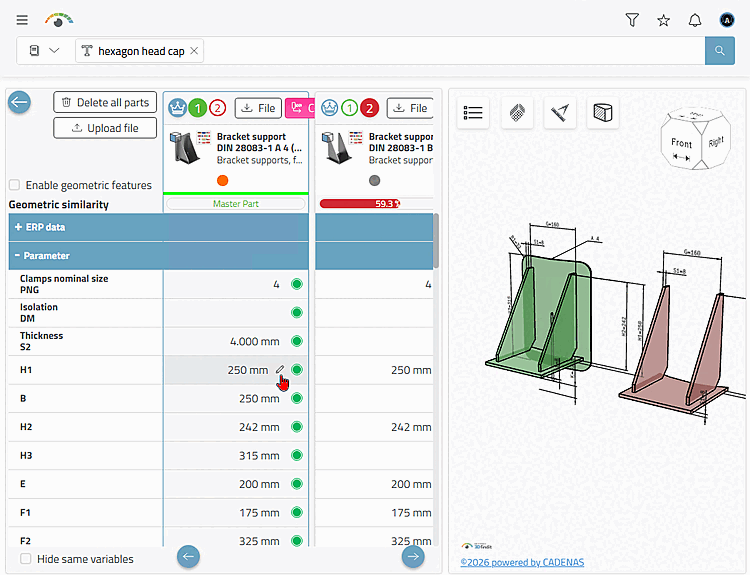
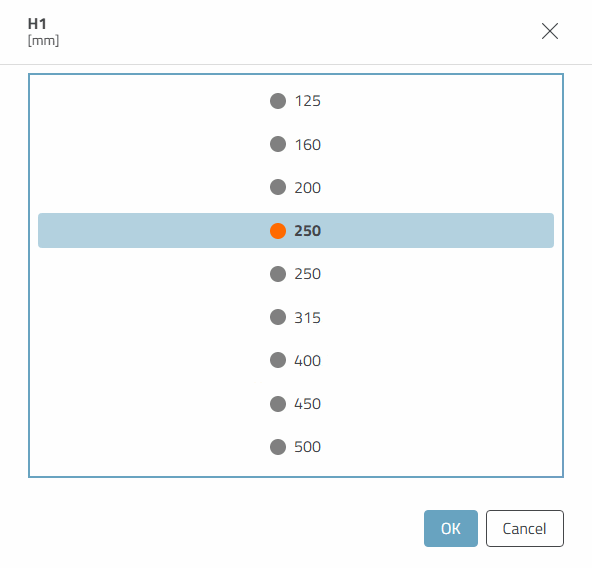
The part comparison now actively displays the possibility of a value change on mouseover.
Details on the parts comparison can be found under Chapter 7, Compare products in ENTERPRISE 3Dfindit - User.
The part comparison now actively displays the possibility of a value change on mouseover.
Details on the parts comparison can be found under Chapter 7, Compare products in ENTERPRISE 3Dfindit - User.