Before and Return according to the sequence of the pages already accessed Use the blue arrow keys to
 and
and  .
.
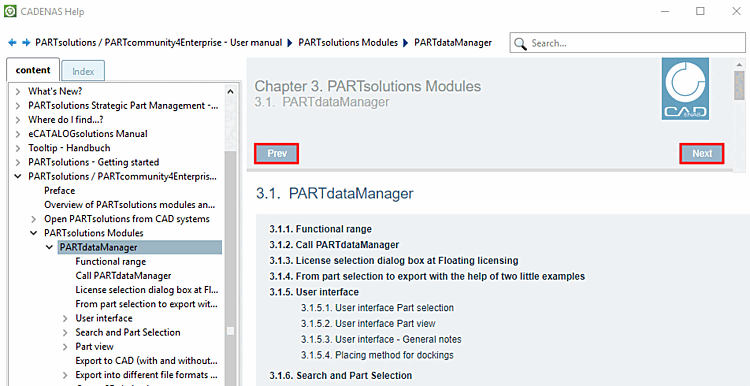
You can go back and forward in terms of the structure of the table of contents using the and buttons.
Pressing takes you to the next higher chapter in the hierarchy (the button can be found at the bottom of the page).
takes you to the first page of the relevant manual (the button can be found at the bottom of the page).


The search path shows where you are currently located. This is particularly helpful if you have followed cross-book links.

The path components are links, so that you can directly jump into the respective chapter.
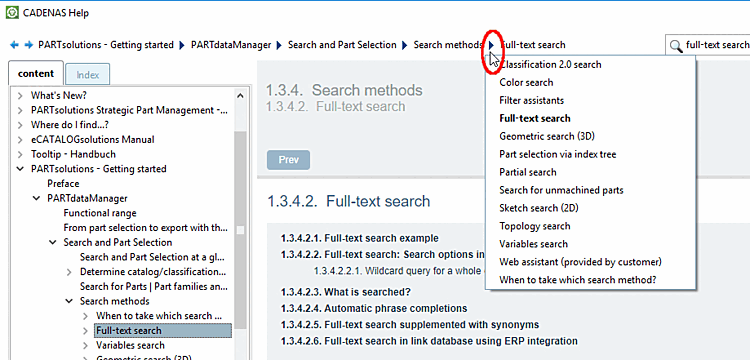
When clicking on an
arrow  in the search path, all chapters below the chosen
item are listed.
in the search path, all chapters below the chosen
item are listed.