
1.4.1.2.2. PARTdesigner 1.4.1.2.2.1. Extrude / rotate solid - skip the input dialog with CTRL |  |
| Prev | Next |
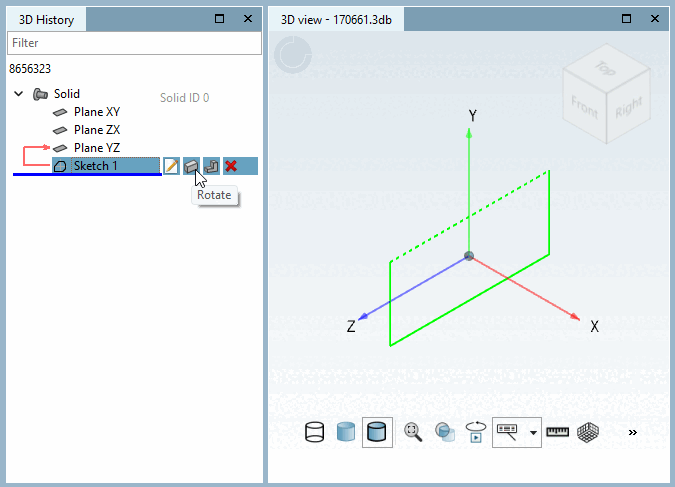
 Rotate: The action can be started immediately without
dialog must be executed. Hold CTRL
to skip the input dialog and open the history item
instantly rotate 360°. This promotion only works via the
Quick access button.
Rotate: The action can be started immediately without
dialog must be executed. Hold CTRL
to skip the input dialog and open the history item
instantly rotate 360°. This promotion only works via the
Quick access button.
Information on the functions can be found in the Section 7.6.2.6, “ Base extrude / Base rotate ” in eCATALOG 3Dfindit chapter.