

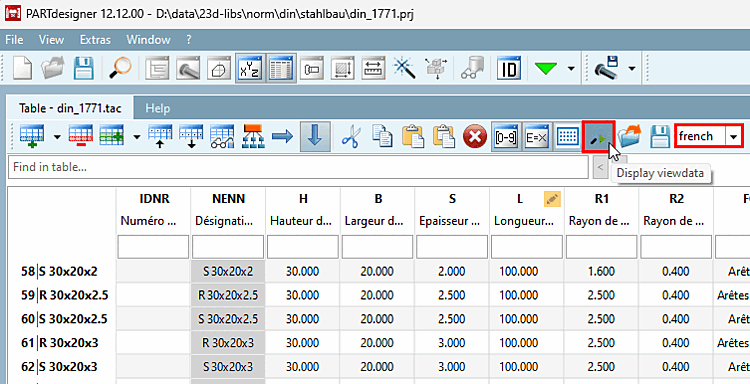
Original and Default have been added to the language selection of the table. This makes it easier to identify the variables and their formulas. If the catalog has not selected a default language, the original language is used during initial loading.
Choose a
Language and click on  display data
to [Display viewdata] customize the language.
display data
to [Display viewdata] customize the language.
Corresponding chapter in the manual: Section 7.12.19, “Display translated data / language selection ” in eCATALOG 3Dfindit.