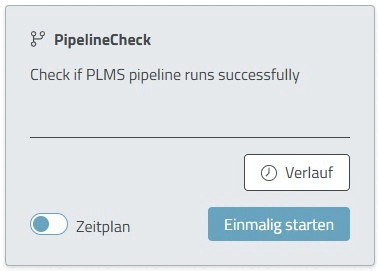
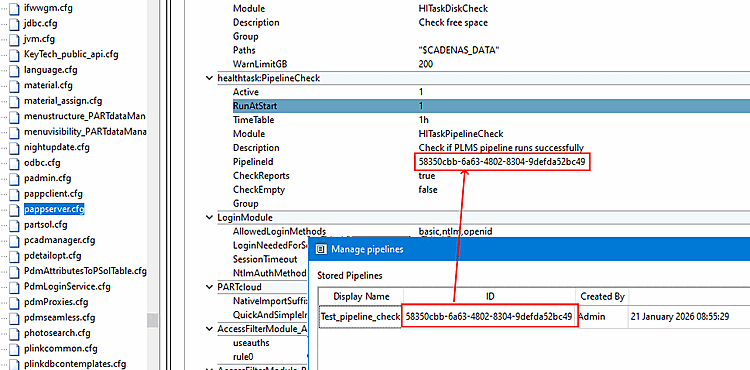
PipelineId: Enter the PipelineId here.
You can determine this in the following way:
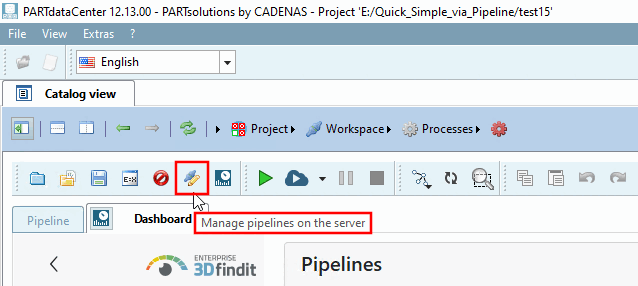
Open PARTdataCenter.
Go to Manage pipelines on the server.
Select an existing pipeline.
The PipelineId can be copied in this dialog.
CheckReports: Checks whether the pipeline has been successfully completed in the last 24 hours.
CheckEmpty: Checks whether the pipeline has basically done anything.