
 |
In V11, in the setting options of a Geometric search (3D), you can find the option Filter mirrored parts.
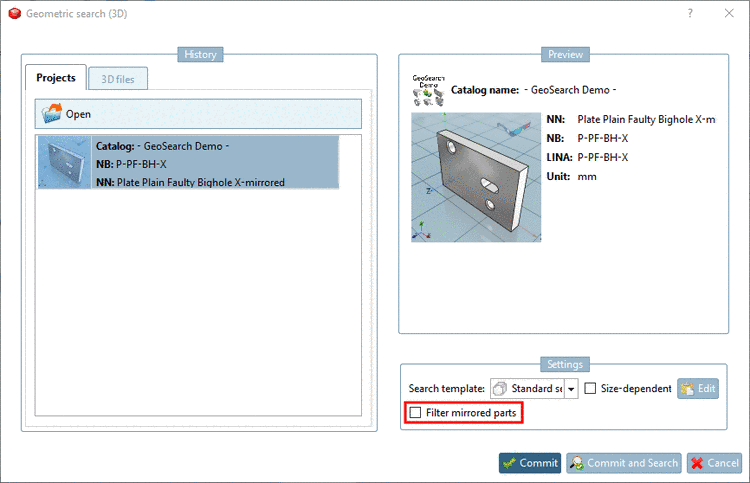
When activating this option, mirrored parts are filtered and do not appear in the search results.
When
deactivating this option, mirrored parts are marked with a respective icon
 .
.
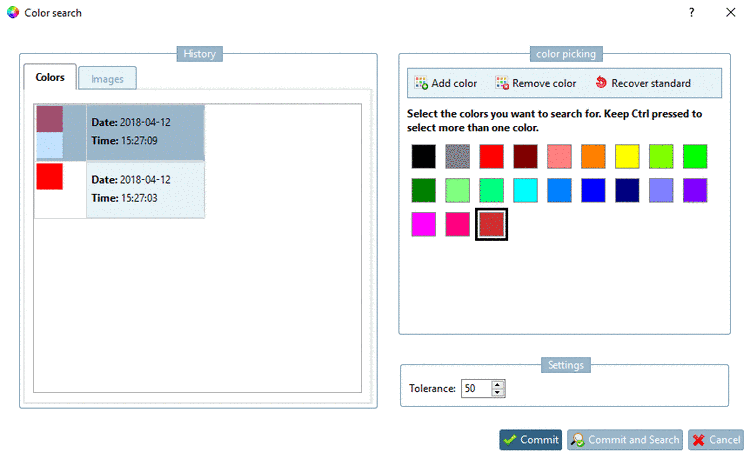
Via configuration file it can be set, as of which percentual similarity mirrored parts are displayed. Default is 90%.
[settings]
ShowMirroredIconPercentage=90