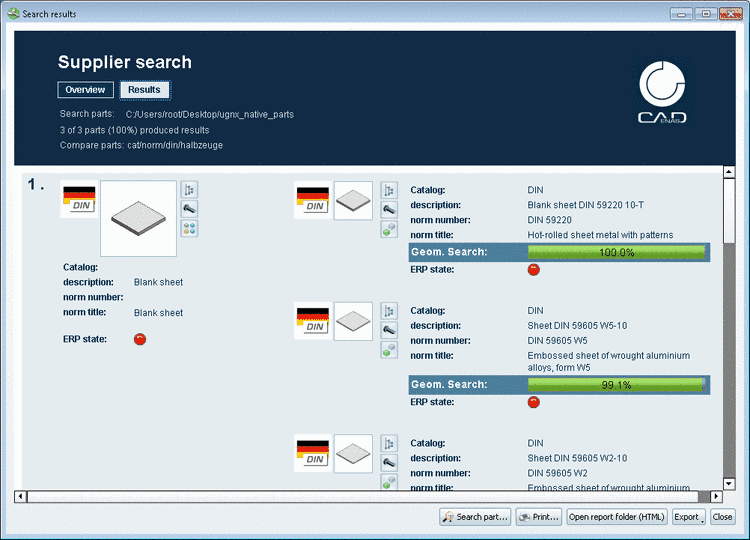
|
A Supplier search can also be conducted with native parts. At ambiguous import formats such as *.prt (NX or ProE) or different installed versions of a CAD now a dialog box is displayed where the correct system or version can be selected.
First select the option Files in file system and browse to the desired directory via .
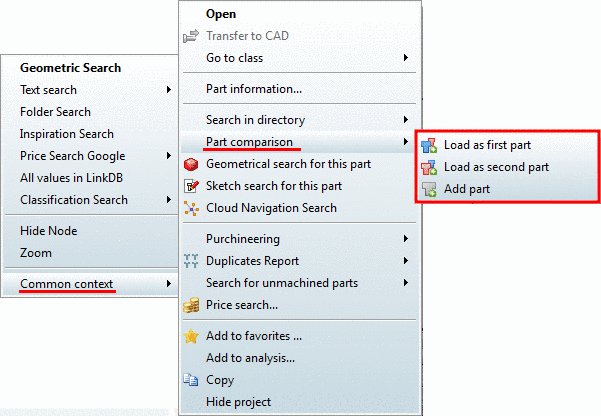
Also set all other options. Details on the Supplier search are found under Section 3.1.13.1.5, “"Find suppliers" report ” in PARTsolutions - User manual.
Selection dialog for ambiguous import formats:
If there are import formats in the determined directory, which cannot be identified uniquely by their file extension, then a selection dialog is displayed.
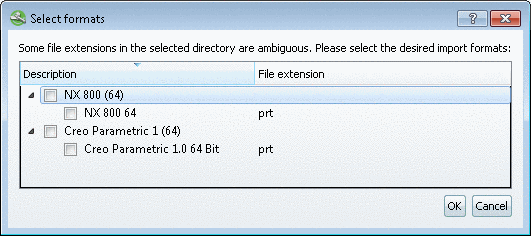
At the correct format, activate the checkbox and confirm with .
Result: The report is created based on the given native parts.