5.17.6.2. Manual revision via parameter call

Manual revision via a parameter call may be necessary for troubleshooting if variants in an ERP environment were accidentally created using PARTdesigner instead of PARTlinkManager. "

[Note]Note

Creating variants using eCATALOGsolutions functionality is not possible with ERP integration is not intended!

If this situation does occur, follow these steps to resolve the issue:

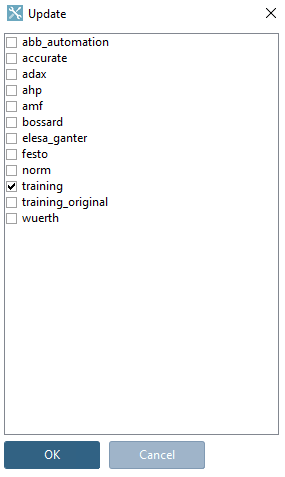
Start PARTadmin using padmin.exe -updatedb -detectVariant. After that, a dialog box will appear where you can select the catalog that is to be updated in the link database.

This is a limited correction option!

If you start PARTadmin with the parameter -updateDB, PARTadmin identifies all installed catalogs whose update status has not yet been updated in the link database. These catalogs are listed in the Update [Update] dialog box. By clicking OK, the catalogs are then updated in the link database.

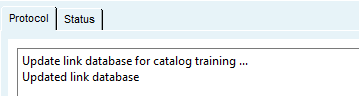
On the " Log [Protocol] " tabbed page, you can view the status of the update.