

In the PARTdesigner table (and PARTdataManager table), the unit is displayed by default next to the variable.
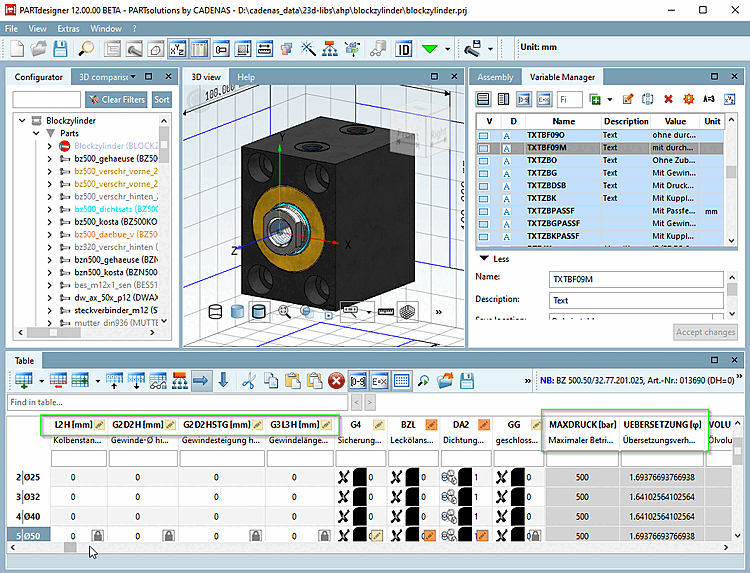
To disable the option for PARTdesigner (i.e., restore the previous behavior), set the corresponding key value to 0 [the default is 1].
$CADENAS_USER/pdesign3d.cfg> blockSettingsTable> keyshowUnitNearVarNameTo disable the PARTdataManager option (i.e., restore the previous behavior), set the corresponding key value to 0 [the default is 1].
$CADENAS_USER/psolopt.cfg> blockSettingsTable> keyshowUnitNearVarName