

Favorites lists can optionally be shared with other users or only created as a private list; they can also be shared, but only with read rights. There are clear markings for this with V12.12:
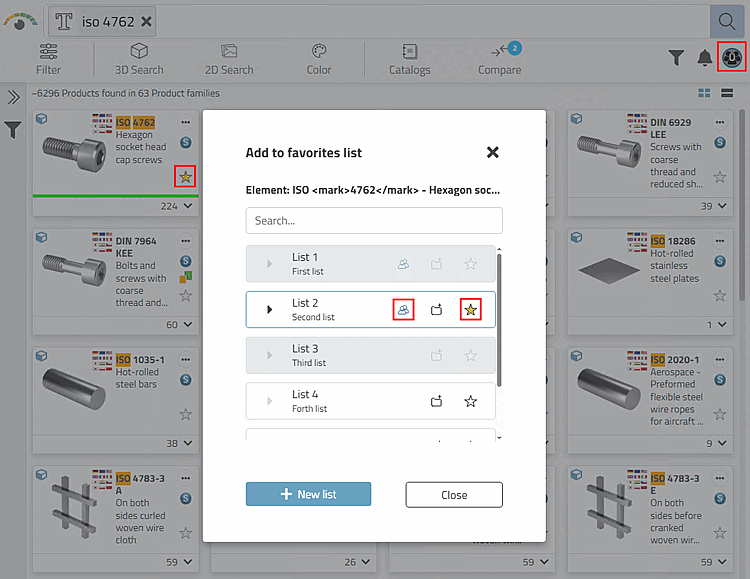
Lists for which a particular user has read-only rights are grayed out and no favorites can be set in such lists.
In dialogue Favorite item will manage [Manage favorites element] shared Lists are marked with the Access: Shared
 icon.
icon.
The icon Access: Shared
appears in the Add to Favorites dialog [Add to favorites list]
displayed.
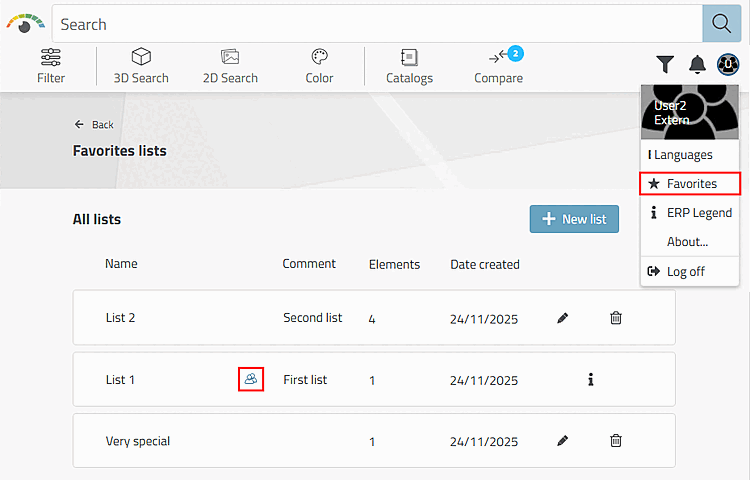
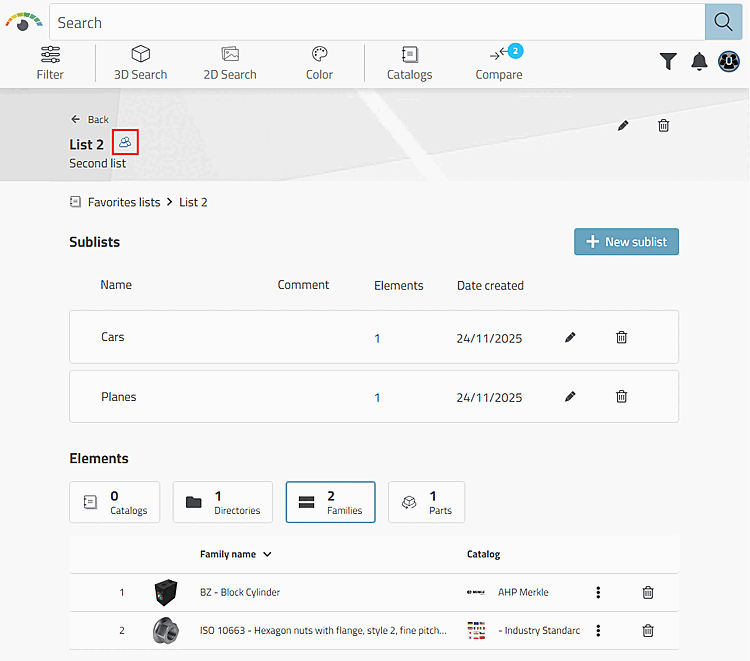
In dialogue Favorites lists and in open lists Shared lists with the Access icon are : Shared
.
![The Favorites Item Dialog Manage [Manage favorites element] opens in a list view with click on .](https://webapi.partcommunity.com/service/help/latest/pages/en/partsolutions_user/doc/resources/img/img_c3ab42aa3c81409e8b20755558e952a9.png)
![The Favorites Item Dialog Manage [Manage favorites element] opens in a list view with click on .](https://webapi.partcommunity.com/service/help/latest/pages/en/partsolutions_user/doc/resources/img/img_b4b9085ee68348c0902ceb39a16803c3.png)
A detailed description of the use of favorites can be found under Section 8.2, “ Favorites ” in ENTERPRISE 3Dfindit - User.