If a sketch feature (design step) is displayed
with a red cross
in the 3D history [3D History]
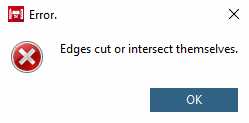
 there is an error. A specific error message then appears:
To display the wording of the error, click on the option Show error. [Show error...].. option in the context menu.
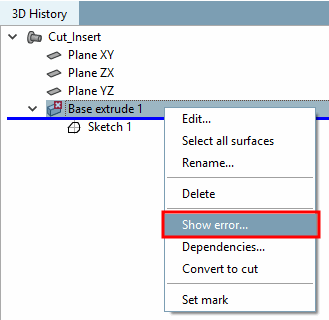
Example 1: Error in base extrude
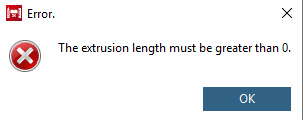
Example 2: Error in the sketch