

With DeepL you can create your translations automatically. The service is subject to a charge. You need an authentication key [Authentication-key].
In the index tree, select the desired level (catalog | directory | project).
Click on the button. (If the button is grayed out, the selected area is read-only)
-> The respective dialog is opened.
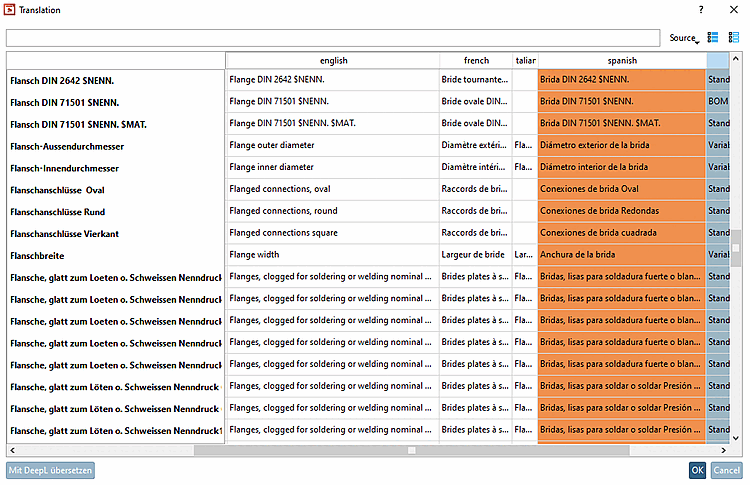
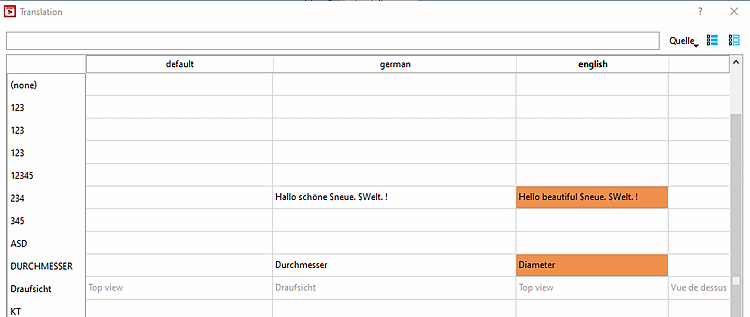
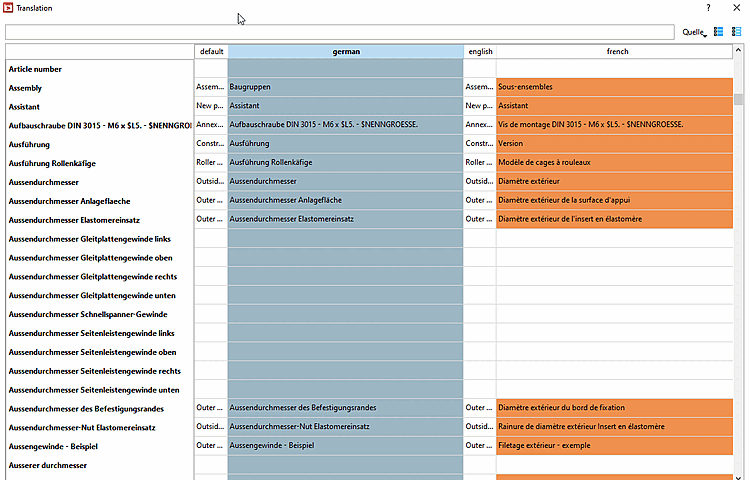
-> Translated terms are marked in orange.
-> $xyz variables are not to be translated.
-> Exactly same terms are only translated once by DeepL and then distributed to related cells.
Check the single translations. You can manually correct anytime.
If translations are missing, select a different source language [Source language] or the option Replace empty fields with internal identifiers.
Finally, confirm with . Only then will the translated terms be saved.
![Dialog "Translate with DeepL [Translate with DeepL] "](https://webapi.partcommunity.com/service/help/latest/pages/en/partsolutions_user/doc/resources/img/img_597e38daaad642e68c9f44be6f49a491.png)
Details on the catalog translation can be found under Section 5.8.2.1.18, “ Translation ” in eCATALOG 3Dfindit.