1.7.4.7.5. Block [QASettings] 1.7.4.7.5.1. Key "RetryIntervals" - SVN operations Retry interval when connection is lost
|  |
| Prev | Next |
There are various reasons why SVN operations can fail, such as disconnections to the network or a drive.
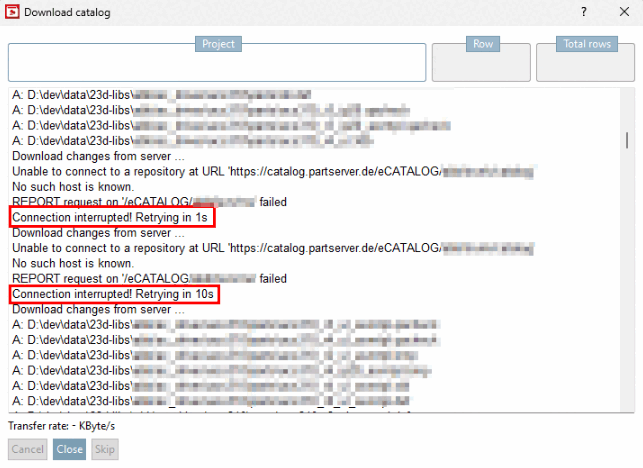
In the event of such an interruption, the SVN client waits a certain amount of time and then attempts to continue. You can adjust the interval by changing the values of the key. The default values are
[QASETTINGS]
RetryIntervals=300,1000,5000
By default, it is repeated three times: After a waiting time of 300 ms, 1 s and 5 s. Each interval <1 s is a silent retry without a message appearing in the log. Otherwise, the error and the retry interval are written to the log. If the update is successfully continued after an error, the interval is reset.
![[Note]](https://webapi.partcommunity.com/service/help/latest/pages/en/partsolutions_user/doc/images/note.png)