|
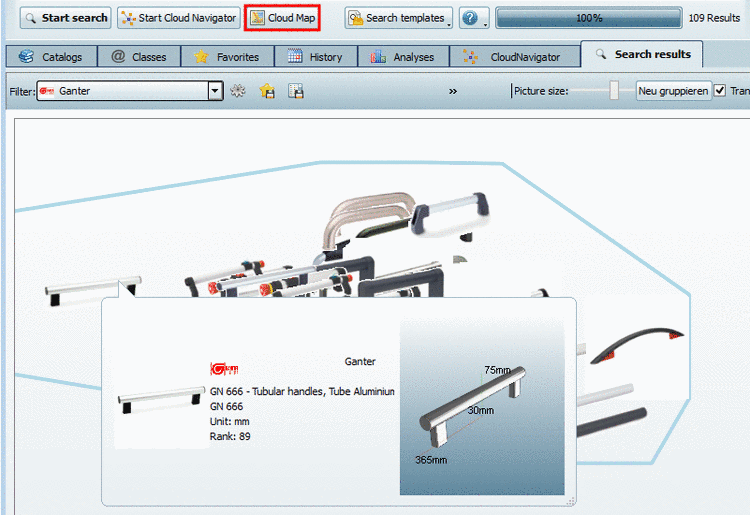
Now with V9.08 SP1, for the Project selection, scalable, animated 3D tooltips are available in addition to the 3D preview. When drawing the mouse over a 3D preview the 3D tooltip shows up.
The extensions in X, Y and Z axes are automatically displayed.
In the down right corner of the tooltip you can find an icon to draw up the size.
on the tabbed pages Catalogs, Classes, Favorites, History, Analyses and Search results
(in reports [on this see Section 4.2.1.9, “PARTdataManager: Reports - Scalable, animated 3D tooltips”])

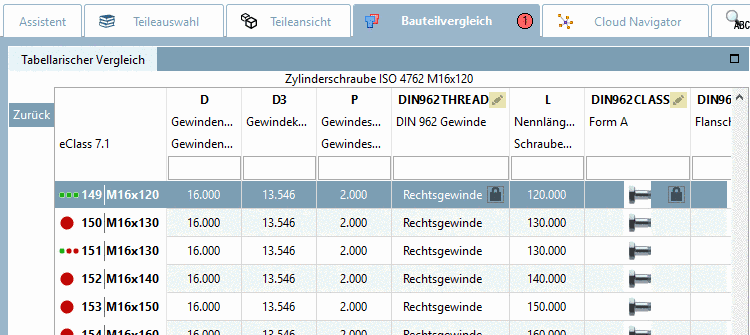

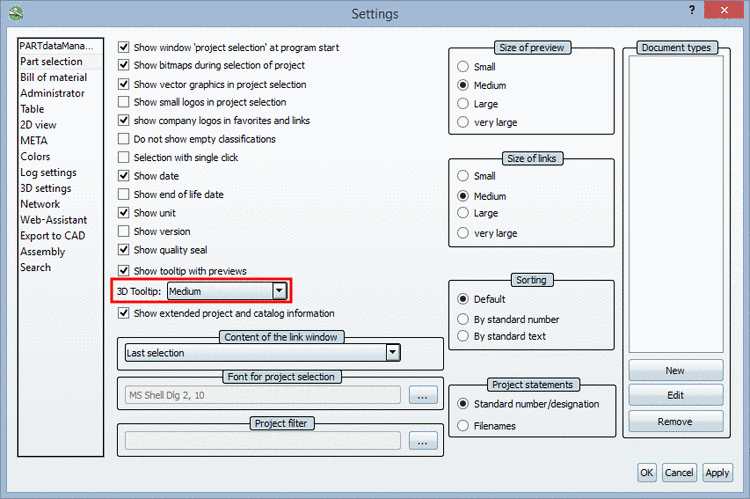
Whether a 3D tooltip (small, medium, large) shall be used or better preview images, can be set in the Extras menu under Preferences... -> Part selection -> 3D Tooltip: