|
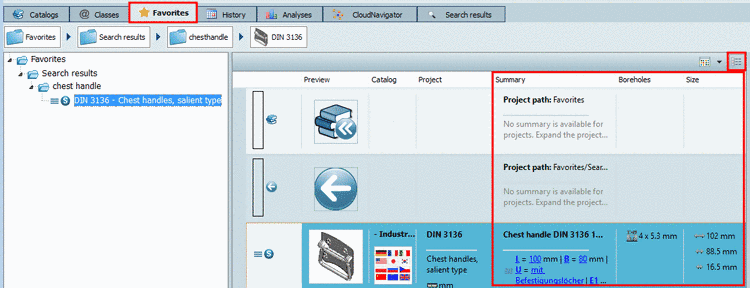
Now In the PARTdataManager the old view mode Details has been replaced by a new one, which has already been used on the tabbed page Search results.
Thus search
results, which have been saved via the function Save search results in favorites
 , now have the same columns available like Summary for example or the aggregated topological columns
(on this also see Section 4.2.1.3, “
PARTdataManager: Show specific Topology and/or
ERP values in search results”).
, now have the same columns available like Summary for example or the aggregated topological columns
(on this also see Section 4.2.1.3, “
PARTdataManager: Show specific Topology and/or
ERP values in search results”).
On the tabbed page Search results, the columns Summary, Size and Boreholes are displayed for example.
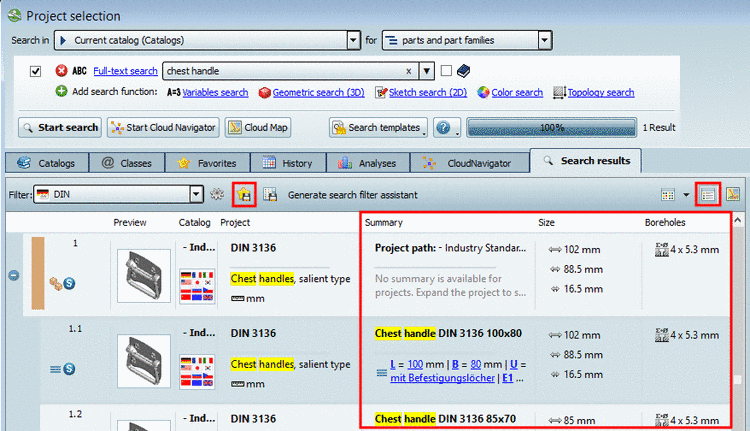
When clicking on
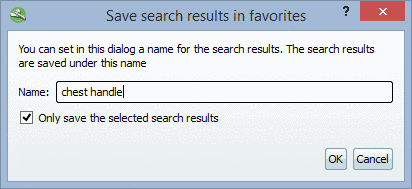
the icon Save search results in favorites
the same named dialog box opens. Here you can define
the name to be saved.
On the tabbed page Favorites you can find the same information now.