
3.3.5.
Creo Elements/Direct Modeling Integration - Administration
3.3.5.6. Modelmanager -
Configuration |  |
| Prev | Next |
In the following the most important settings are explained, which possibly can be adjusted:
Setting in configuration file ifacecommon.cfg:
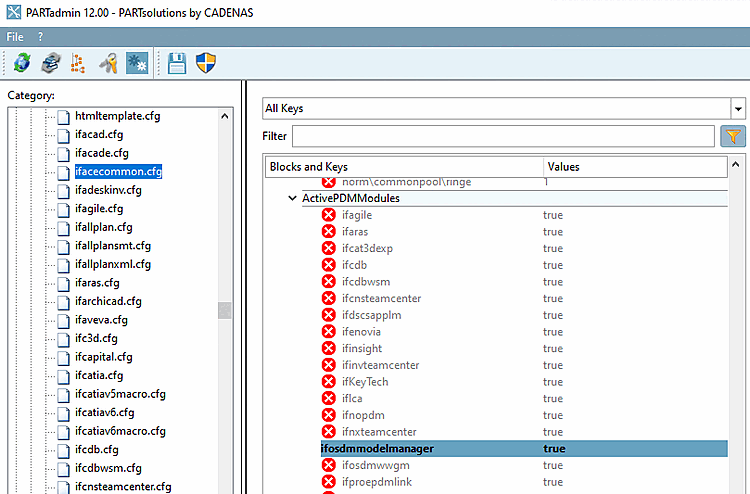
Settings in the configuration file ifosdmmodelmanager.cfg:
In which Modelmanager classare 3Dfindit parts stored?
[CreationOptions]
MM_ClassName(is3d)=LIBRARY_3D
In which Modelmanager classare 3Dfindit NativeCheckin parts stored?
[CreationOptions]
MM_ClassName(isNat)=MODEL_3D
For the attribute mapping there are two different attributes available:
Attribute mapping is disabled by default.
The [CreationOptions] block is not visible in PARTadmin. Have a look at the entries with the strings "MASTERDATA" and "LIBRARY_3D" and examples directly in Notepad.