
 |
With V9.02 the 2-D derivation dialog received a new mode.
It is possible to display a shaded view, instead of a real 2-D derivation.
It looks great and is much faster than an actual 2-D derivation.
For a quick preview or a PDF datasheet export, this mode is perfect since it can also be combined with automatic dimensioning.
The new mode is only available for the Combination views, not with single views.
Otherwise the entire rest of the dialog was edited.
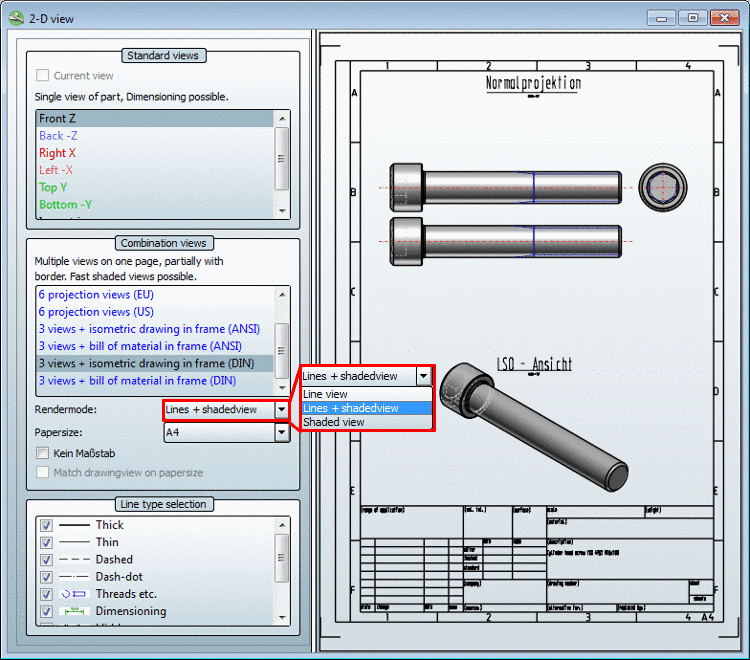
Over the course of these new options, the 2D view dialog window changed. The window is now divided into the following areas:
![[Note]](https://webapi.partcommunity.com/service/help/latest/pages/en/partwarehouse/doc/images/note.png)
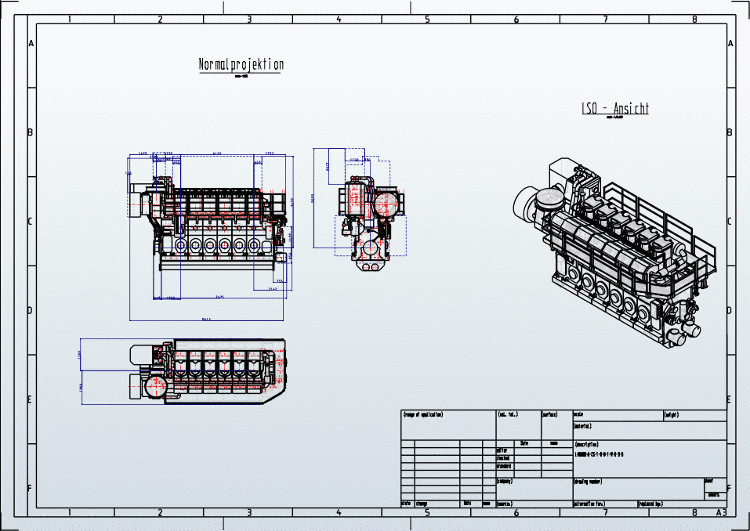
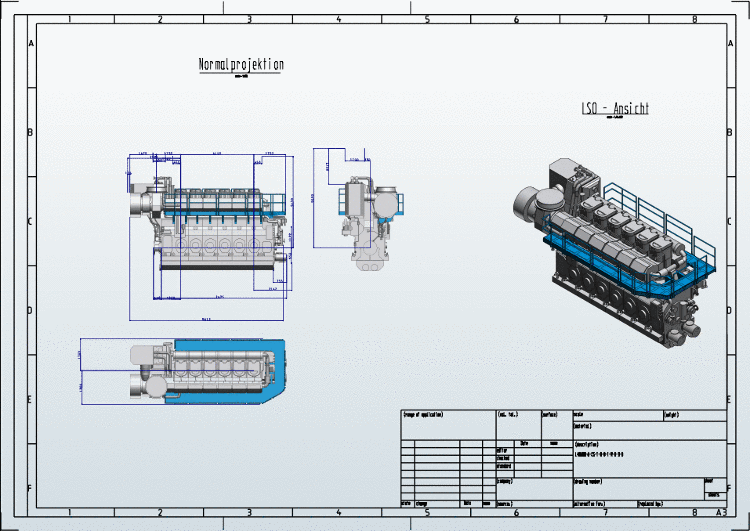
How to create a 2-D derivation and which settings options there are, is described in detail under Section 3.1.10, “ Create 2D derivation ” in PARTsolutions - User manual.