1.4.1.4.1. Placement Dialog: New "Open Part" Function

Until now, CAD integration has behaved differently depending on the active document type:

  • If a part was active, the selected model was opened in CAD.

  • If an assembly was active, the model was inserted directly into the assembly .

The placement dialog now includes an additional "Open [Open] " option. With a CAD assembly active, users can now choose:
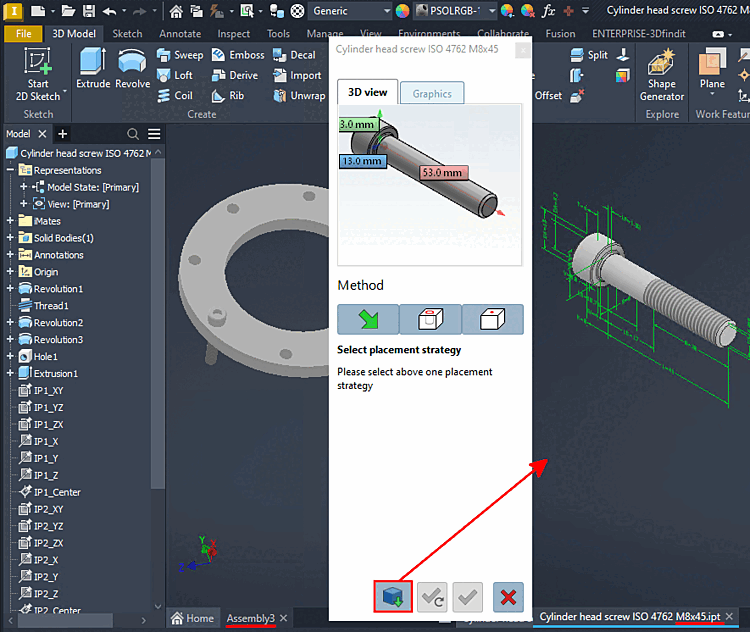
  • Should the selected model be inserted into the assembly as before?

  • Should the selected model be opened in a separate CAD window ?

This feature is available in all standard CAD programs. The illustration shows Inventor as an example.

This feature is available in all standard CAD programs. The illustration shows Inventor as an example.