
 |
In the Export using ... format dialog box at the export of 2D formats the Filter tabbed page is displayed with the input field Force unit conversion (into mm). So you can optionally perform an inch-mm conversion during the export.
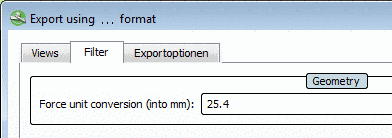
Force unit conversion (into mm):
The default value in the input field is 0. With 0 NO unit conversion is processed.
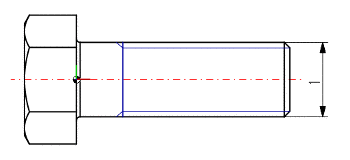
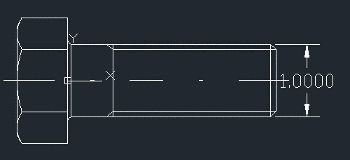
The two following figures show the default case: No unit conversion is processed at the export. The dimensioning values in the 2D derivation of PARTdataManager and 2D CAD system are identic.
You can find a detailed description on this under Registerseite "Filter" - Inch/mm-Einheitenumrechnung.