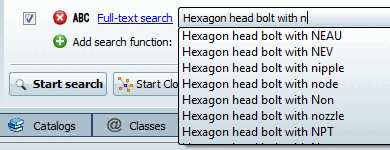
When you tap in the Full text search [Full-text search] input field, the list field opens automatically and you receive suggestions for completing the search term.
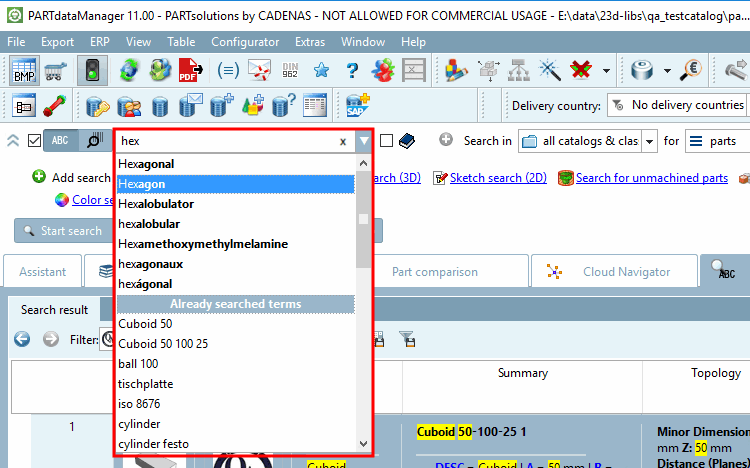
Example: When "cd" is entered several cylinder designations such as "CDN" or "CDVI" are offered for example.
With the tab key you can overtake a selected term from the list, with the return key you can overtake a selected term and a search is directly executed.
The suggestions are also dependent on the selection under Search in.
![[Note]](https://webapi.partcommunity.com/service/help/latest/pages/en/partwarehouse/doc/images/note.png) | Note |
|---|---|
The display of proposals does not automatically mean that a combination of terms really leads to hits, but instead that each single term exists.
| |