

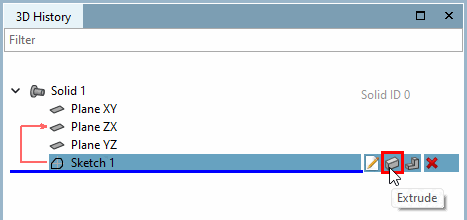
Call: Solids [Base] > Extrude...
→ The sketch is displayed in the 3D view .
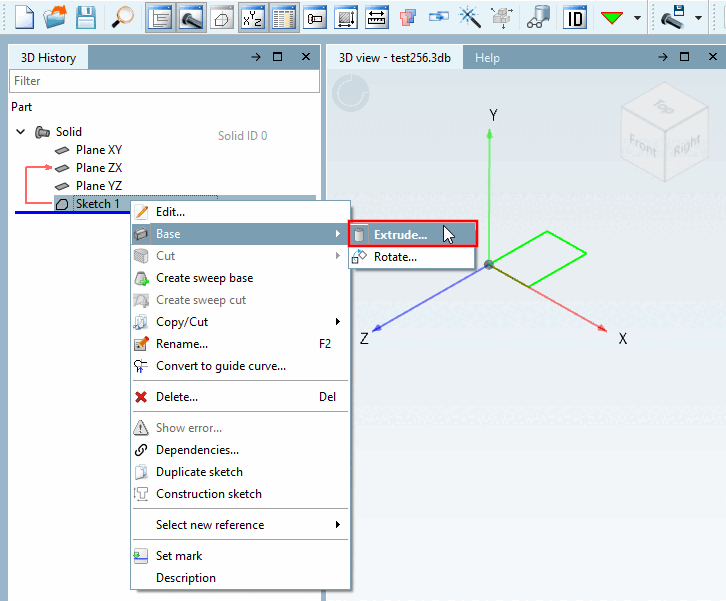
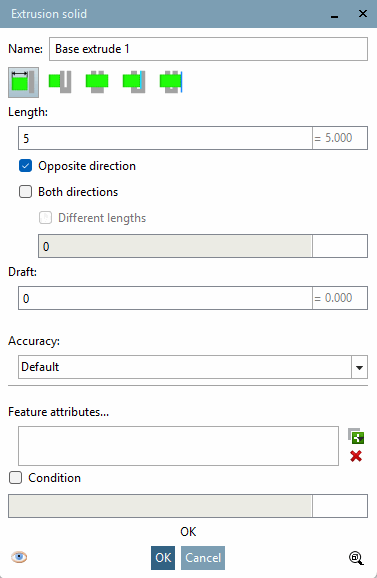
→ The Extrude... command opens the Extrusion object [Extrusion solid] dialog box.
![[Note]](https://webapi.partcommunity.com/service/help/latest/pages/en/partwarehouse/doc/images/note.png)
Once all entries have been made, a preview appears in the 3D view. Changes are displayed immediately.
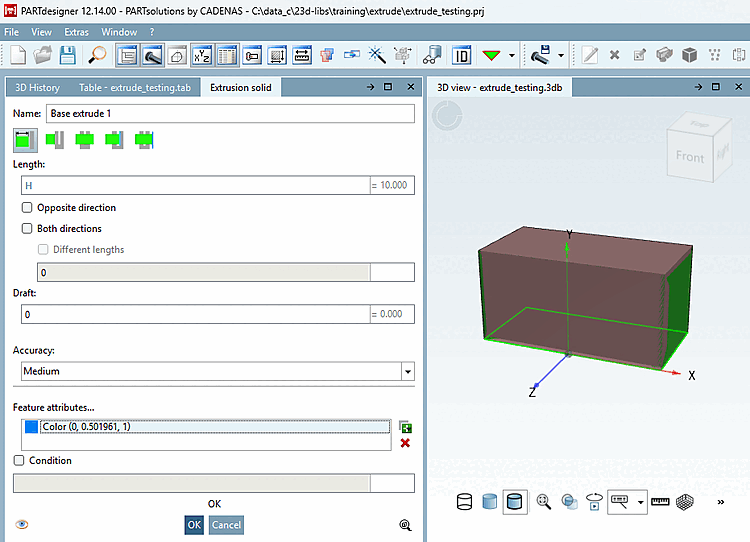
The following section describes the individual input fields.