Measuring grid
 : See above.
 Catch everything [Zoom all] /
 Zoom on object [Zoom in on object]
Zoom to object [Zoom in on object] refers to the current selection.
Snap all [Zoom all] refers to everything, including dimensions. There is no difference for a selected single part without displayed dimensions.
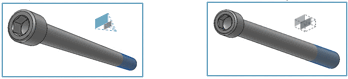
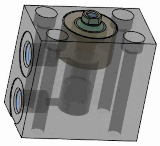
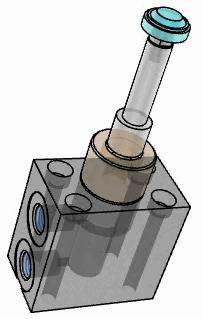
Section [Cut]
 : Click on the axis you want for the
Move the section.
: Click on the axis you want for the
Move the section.
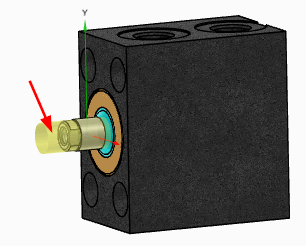
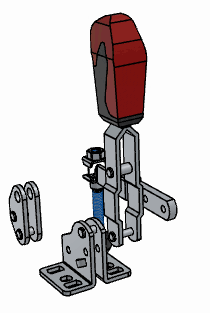
Exploded view
 (only for assemblies)
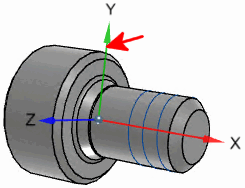
Show Origin Axles [Show Origin Axes]
 :
:
Toggle projection mode [Switch projection mode]
 : Perspective
  on /
on /  off
off
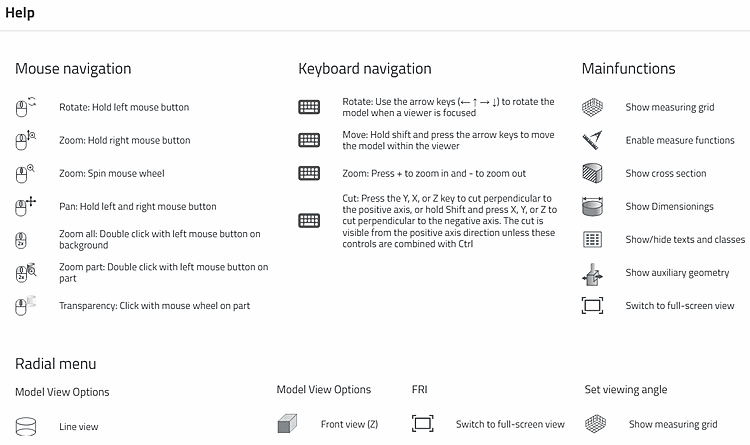
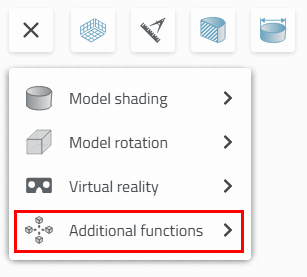
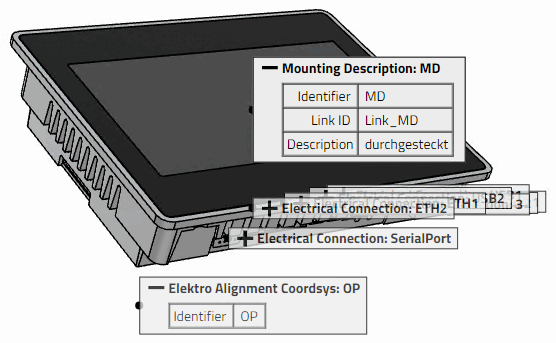
Help
 : Here you will find brief explanations of
Mouse controls, keyboard shortcuts, and main and
Auxiliary functions.
: Here you will find brief explanations of
Mouse controls, keyboard shortcuts, and main and
Auxiliary functions.
![Snap all [Zoom all]: Assembly with selected individual part with dimensions](https://webapi.partcommunity.com/service/help/latest/pages/en/partwarehouse/doc/resources/img/img_96f03880547f48dbb89c2e16969697c8.png)
![Zoom to object [Zoom in on object]: Assembly with selected individual part with dimensions](https://webapi.partcommunity.com/service/help/latest/pages/en/partwarehouse/doc/resources/img/img_42df2d0d6329437bac8405ce13d2ac21.png)
![Catch all [Zoom all]: Selected individual part with dimensions](https://webapi.partcommunity.com/service/help/latest/pages/en/partwarehouse/doc/resources/img/img_4414cf5b1f0045b7afe2cab2a8fa2ff8.png)
![Zoom to object [Zoom in on object]: Selected individual part with dimensions](https://webapi.partcommunity.com/service/help/latest/pages/en/partwarehouse/doc/resources/img/img_178471d7f69447258bdea3a72189f00e.png)
![Section [Cut] with measuring grid [Measuring grid]](https://webapi.partcommunity.com/service/help/latest/pages/en/partwarehouse/doc/resources/img/img_2b23979bf9224482b9cf6e3e94ff6d3f.png)


![[Tip]](https://webapi.partcommunity.com/service/help/latest/pages/en/partwarehouse/doc/images/tip.png)