Programs used for the import must always be opened directly in the software directory; no keyboard shortcuts may be used.
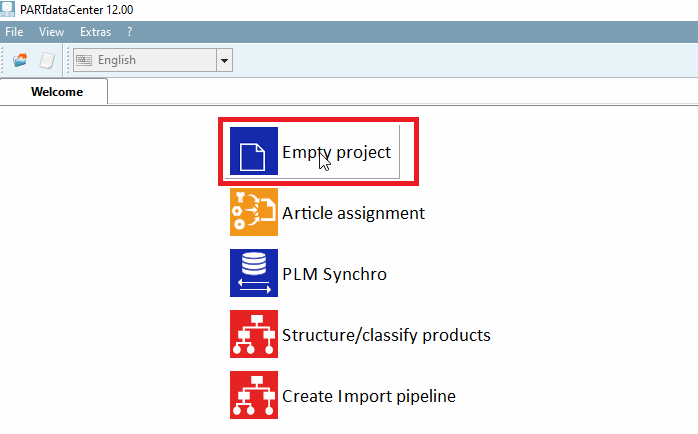
Open PARTdataCenter and select Empty Project (this is only necessary the first time):
Name and save the new project. The new project should then be visible under Recent Projects:
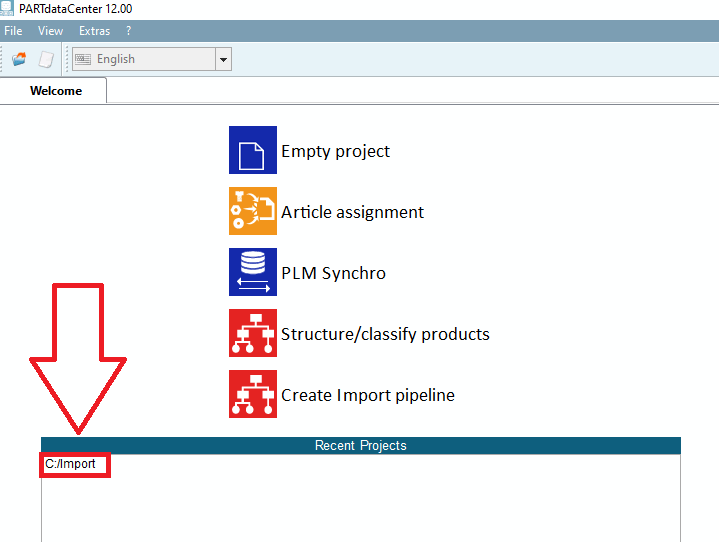
The project can be opened with one click.
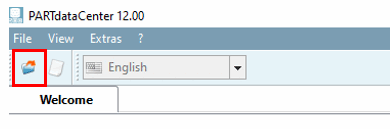
You can just as easily load an existing project using the following option: