|
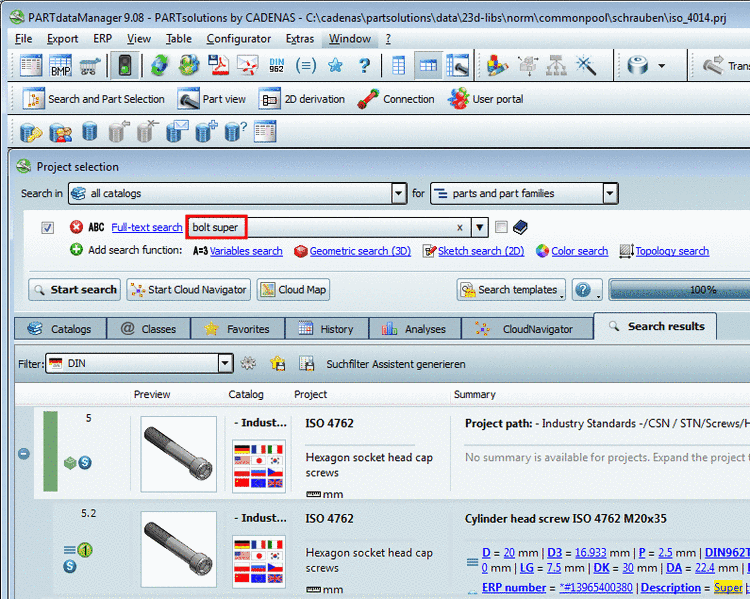
You can start the Cloud Navigator in different ways:
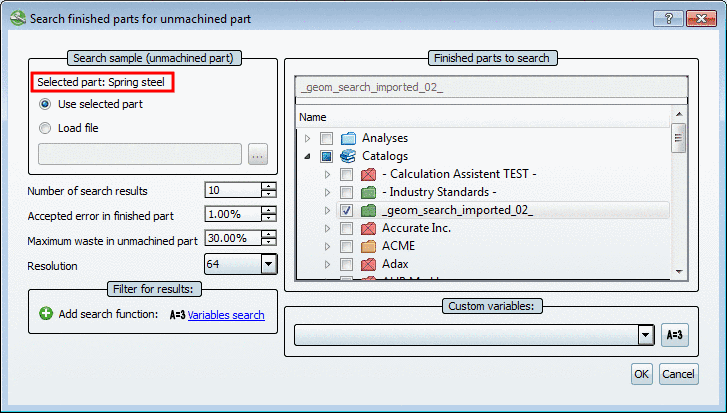
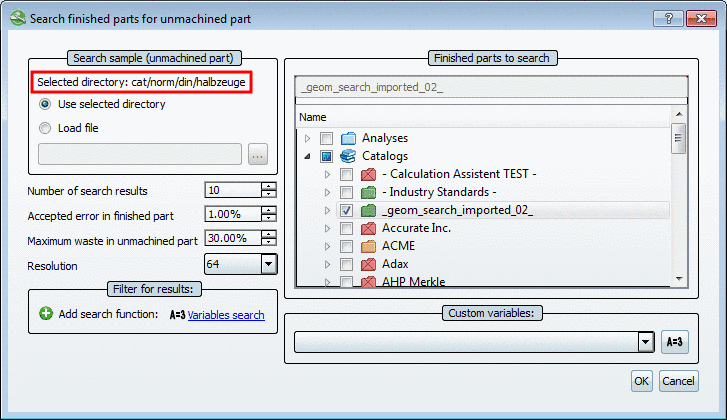
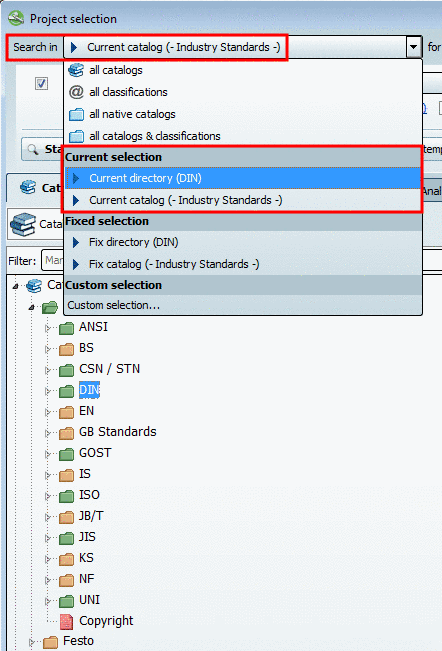
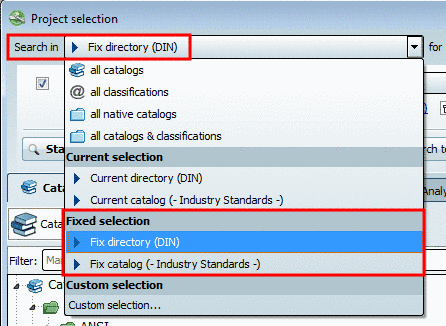
Perform all settings as usual, independent of whether you want to search via or .
Start the search with click on the button .
-> The Search Results are displayed on the Cloud Navigator tabbed page.
Via context menu of each node you can continue searching using other methods and thus specify the search.
-> The respective row is transferred as root node with name and characteristic. A Geometric Search is automatically processed.
Start from project level on all tabbed pages (Catalogs, Classes, Search, Favorites, History, Analyses)
-> The row is transferred as root node with name. A Geometric Search is automatically processed.
Start from the result list of the standard search
Start from the " Links " dialog box