

The Simplified mode option is available in the Auto classify node.
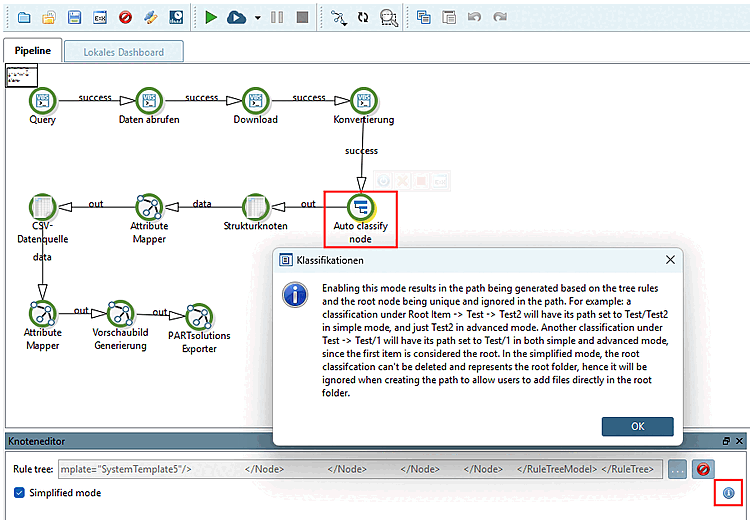
If you activate this mode, the path is generated based on the rules of the tree structure, whereby the root node is unique and ignored in the path.
Example: For a classification under "Root Item -> Test -> Test2", the path is set to Test/Test2 in simplified mode and only to Test2 in extended mode.
With a different classification under Test -> Test/1, the path is set to Test/1 in both simplified and extended mode because the first item is regarded as the root.
In simplified mode, the root classification cannot be deleted and represents the root directory. It is therefore ignored when creating the path to allow users to add files directly to the root directory.