|
The Geometric search (3D) offers a Quick compare which enables to see the proportions between search part and result part.
The Bounding Box of the search part is drawn into the 2D sketches of the result parts, so that you can see the proportion at a glance. Exact values can be found in the Size column beside.
At the search part itself the bounding box is covering exactly. At bigger or smaller search result parts it is outside or inside.
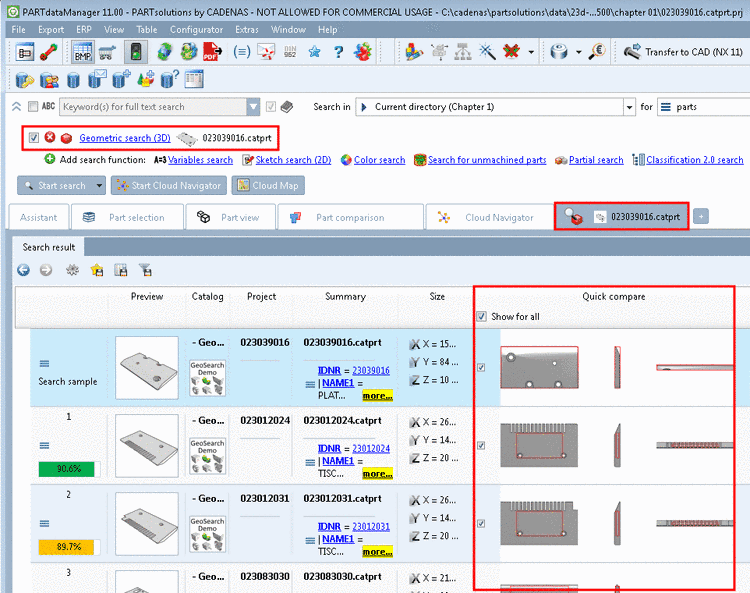
The Quick compare is not displayed by default. If you want to see it for all result parts, in the column Quick compare, activate the checkbox Show for all, otherwise you can activate the checkbox directly at desired parts.
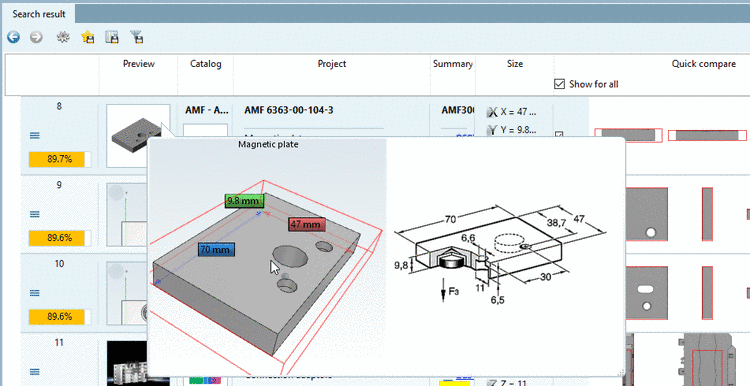
In the 3D tooltip of the result list the bounding box of the search part is also displayed (analogously to the red bounding box in the 2D quick compare).
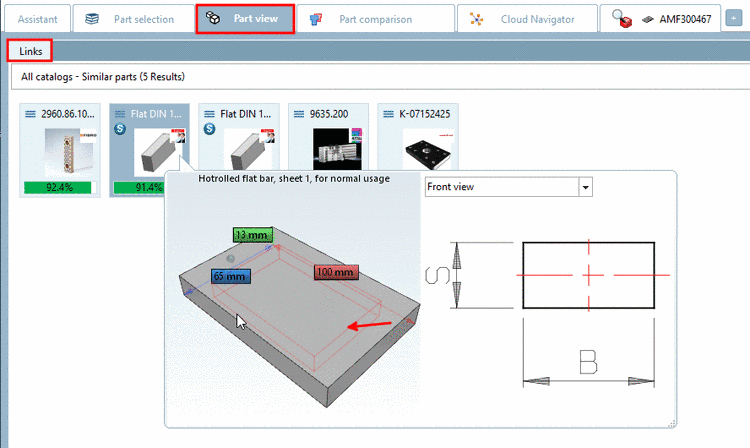
Under Part view -> Links the bounding box of the Quick compare is displayed as well.