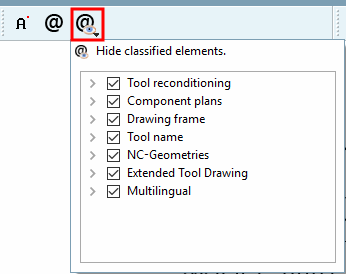
Fare clic sul pulsante e spostare il cursore del mouse sul punto di inserimento desiderato.
-> La cattura viene visualizzata nella posizione selezionata.
La funzione viene eseguita con un clic del mouse.
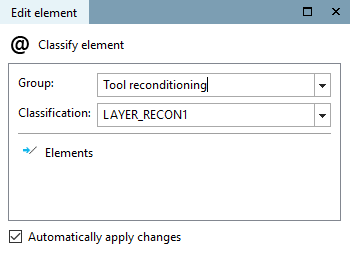
-> I singoli parametri di impostazione vengono visualizzati nella finestra Modifica elemento [Edit element].
Inserire il testo desiderato in Testo [Text] e specificare l'aspetto utilizzando le seguenti opzioni di impostazione:

![Inserire il testo [Insert text]](https://webapi.partcommunity.com/service/help/latest/pages/it/partwarehouse/doc/resources/img/img_7394e33ebf444fa99294d2655d981605.png)
![[Nota]](https://webapi.partcommunity.com/service/help/latest/pages/it/partwarehouse/doc/images/note.png) | Nota |
|---|---|
Ènecessaria una classificazione CNS attuale. La funzione è stata resa ufficialmente disponibile con la V11 SP6. Sezione 5.10.2.6, “Strato BMG (DIN4003) ”Un esempio di questo tipo è disponibile all'indirizzo . | |