
 |
Under $CADENAS_SETUP/styles, the default.css file is used for the GUI
style.
The GUI style can easily be adjusted.[122]
Under $CADENAS_SETUP/partsol.cfg ->
Block [PARTdataManager] -> Key STYLESHEETS, state the desired CSS
file.
If just the file
name and no path is given the application attempts to find the file in the
$CADENAS_SETUP/styles
directory. Have a look there for some examples.
[PARTdataManager] #:HELP;default;Comma separated list of custom style sheet files in "$CADENAS_SETUP/styles"directory. Styles will be appended to the default style. STYLESHEETS=custom.css
Just as well you can specify an absolute path.
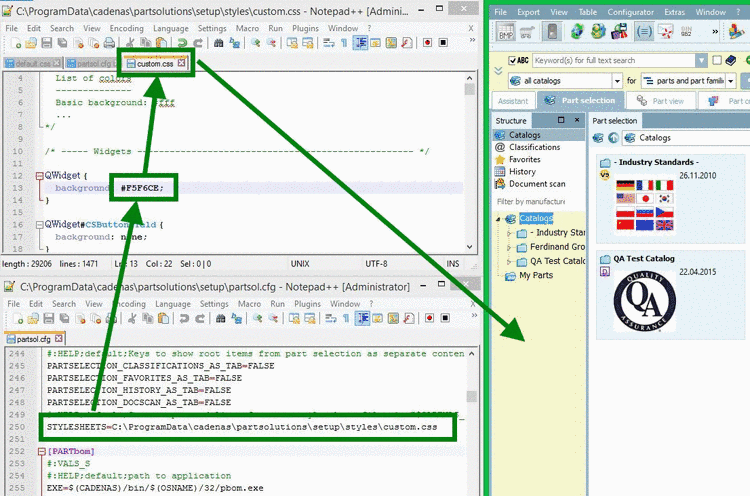
Find relevant keys in the css file
In order to ease finding relevant keys enable the following docking windows:
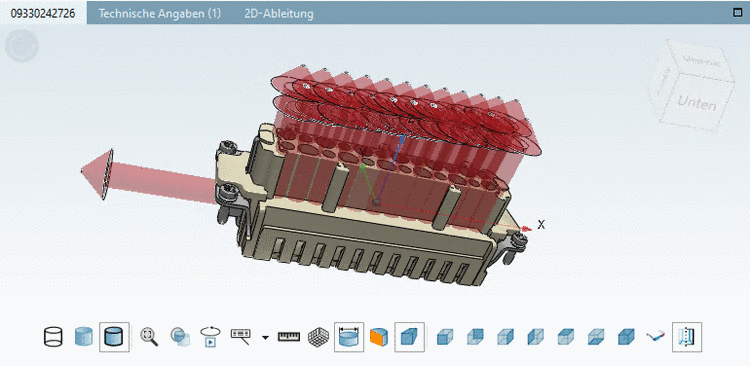
Under
$CADENAS_USER, create a file nameddebug.cfgwith the following content:[PDEBUG] showDebugMenu=1 showWidgetTree=1 showExportPath=1
-> The mouse cursor turns into a red circle.
-> The element is marked with bold font in the docking GUI element tree.
With this information you can find the relevant key in the css file.
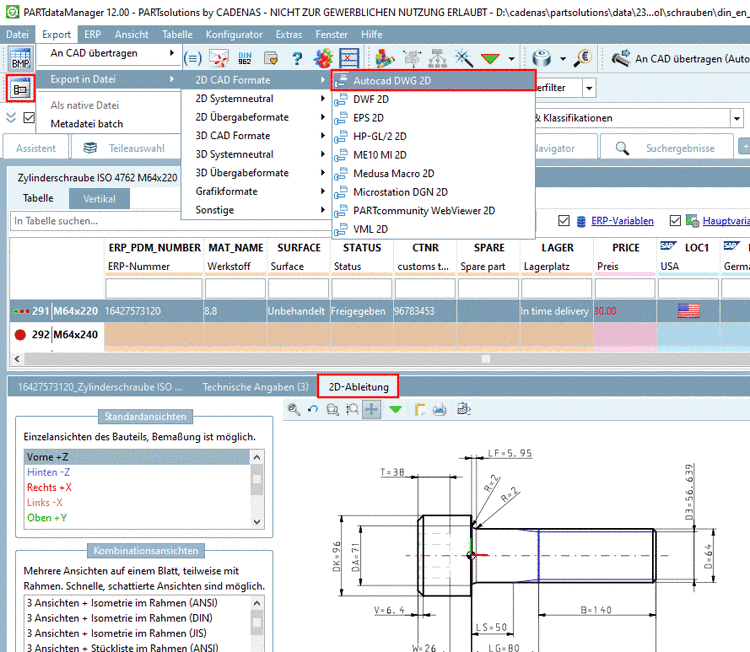
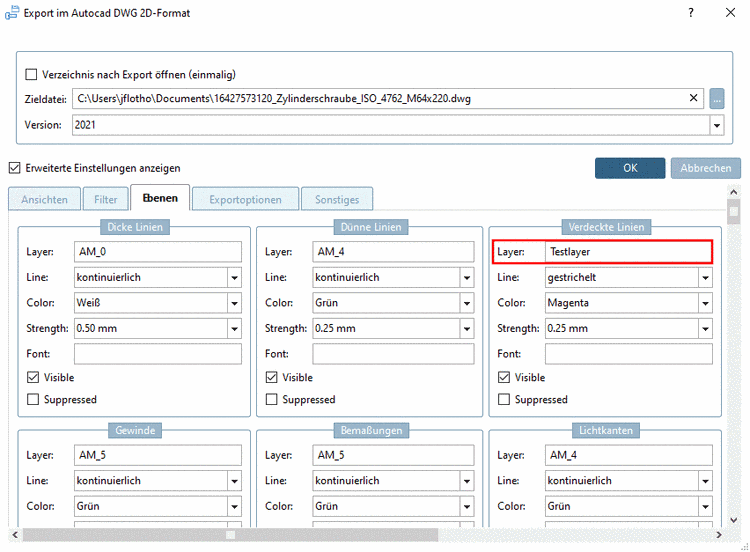
You can perform changes in the GUI stylesheet docking window.

![[Note]](https://webapi.partcommunity.com/service/help/latest/pages/de/partsolutions_user/doc/images/note.png)