
 |
As of V9.07 SP1 a decimal place is displayed concerning results of a geometric search.
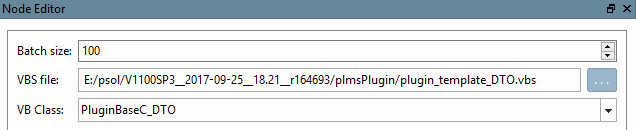
With a decimal place you see the difference (at a first glance) – instead of having many hits of 100%. In the example in hand the X-extension displayed in the SIZE column confirms the differentiation.
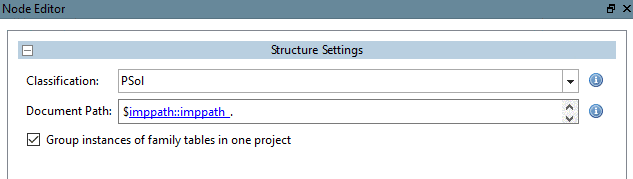
Especially for a Duplicate search the more precise result facilitates the estimation whether a real duplicate has been found. The displayed percentage value depends from a lot of parameters such as the chosen search template or whether the duplicates have been exported with different precision. However 98 percent is a good limit at the Duplicates Report.
The setting of the
decimal place can be adjusted in the configuration file $CADENAS_SETUP/geomsearch.cfg.
[AliasDisplayOptions]
COMBINATION=PERCENT=1,BASE=1,REVERSE=1,COLOR={90:100:111:245:112},
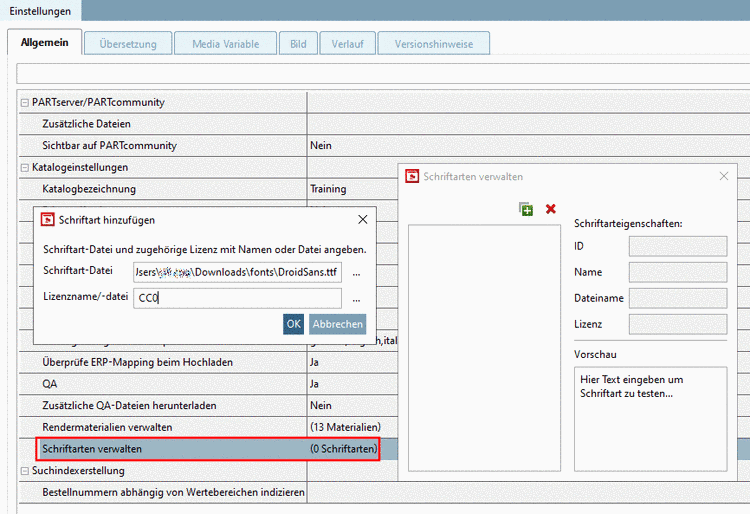 COLOR={70:90:255:255:0},COLOR={0:70:255:0:0},PREC=1
If you don't want a decimal place to be displayed, set "PREC=0".