

Would you like to display data such as part numbers, descriptions, approval status, material, surface finish, inventory levels, prices, etc., from your ERP and PDM systems in 3Dfindit / PARTdataManager?
To do this, the relevant CSV data must be linked to the corresponding standard and purchased parts in the PARTsolutions LinkDB.
With V12.13, these links can be created automatically based on the item number using the new wizard for manufacturer catalogs.[3]
The call can be found in the "ArticleAssignment view" under Article assignment wizards > Article number.
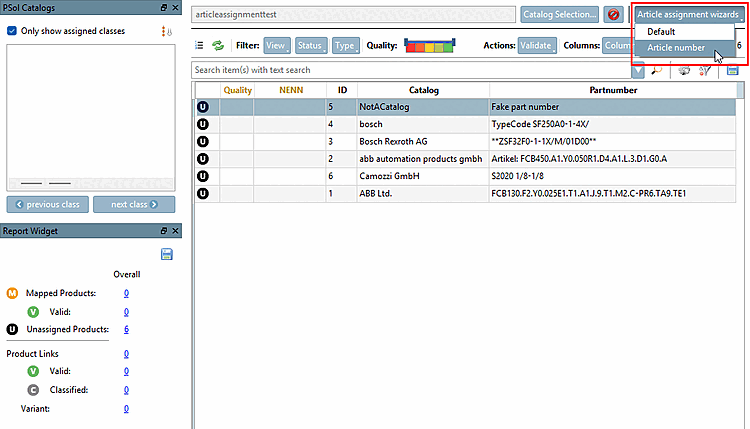
For a detailed description, see Section 2.1, “PARTdataCenter: Article Assignment Wizard (Part Number Search)”.