7.6.2. Listing of all possible features in the "3D history " docking window 7.6.2.17. Display specific calculation status
|  |
| Prev | Next |
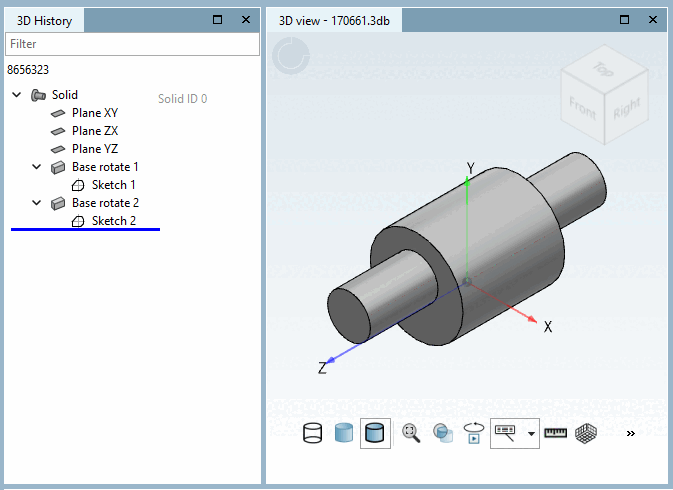
In PARTdesigner, you can display the specific calculation status up to the history element that you are currently editing.
This function can be permanently activated via a setting. To do this, click on Extras > Settings... > PARTdesigner > General and activate the setting Switch to specific calculation status when editing [Switch to the specific calculation status when editing].