

DIN 962 specifies how screws and nuts can be adapted for specific applications through additional forms and specifications.
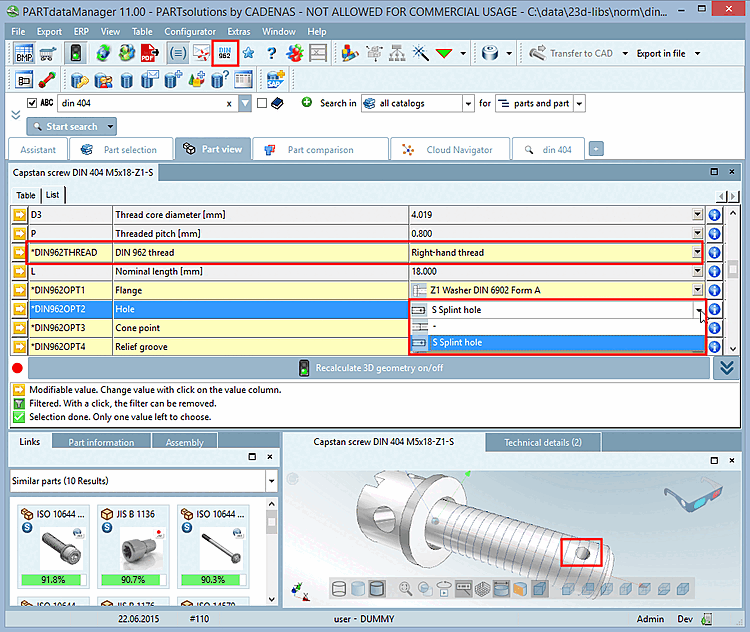
In PARTdataManager -> Part View [Part view], the table contains the additional columns DIN962OPT1, DIN962OPT2, DIN962OPT3, and DIN962OPT4. If the function is disabled, these columns are not displayed.
You can control this behavior through the configuration file.
All settings are configured in the [SYSTEM] block.
DISABLE_FEATURE=0/1
0: Feature enabled; 1: Feature disabled (no button, no functionality)
DISPLAY_BUTTON=0/1
BUTTON_ENABLED=0/1
0: Button is grayed out; 1: The button is available when DISPLAY_BUTTON is set to 1.
BUTTON_PRESSED=1
Is BUTTON_PRESSED set to 1, the user settings will be overwritten. If the key is not user settings are removed from the configuration file
din962_user.cfgread.
