7.9.3.3.2.1.
Delete Element
 Delete Item [Delete element]
adds Sketch History [Sketch history] to the docking window
of the history, select the Delete Element [Delete element] as step
dependency to the selected step.
Delete Item [Delete element]
adds Sketch History [Sketch history] to the docking window
of the history, select the Delete Element [Delete element] as step
dependency to the selected step.
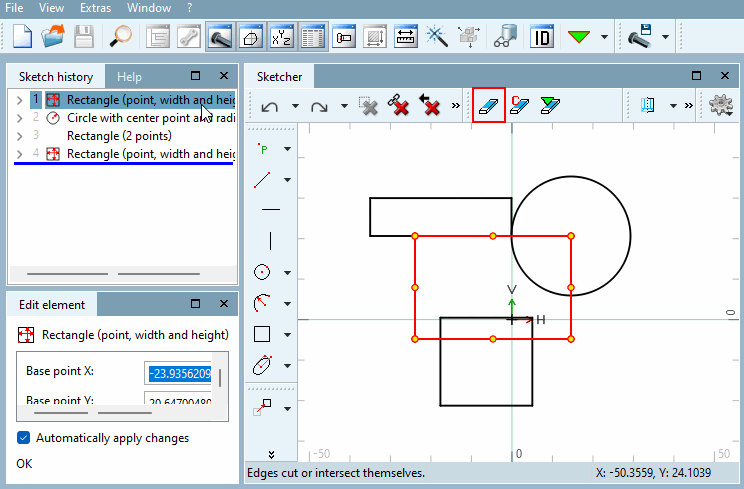
In the Sketcher, click on the element you want to remove.
Click on Delete element.
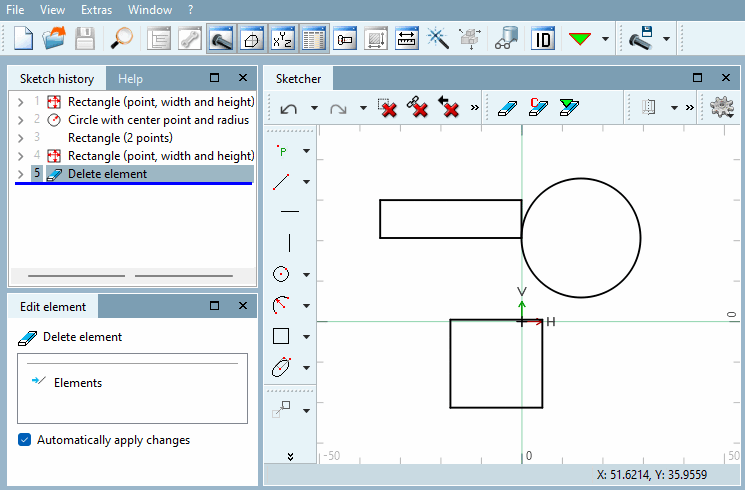
→ In the
history, the "Remove Element"
[Remove element] step has been added. In the sketch, the element
was removed for all subsequent steps.