7.9.3.3.2. Delete using
the entry in the "Sketch
History" docking window 7.9.3.3.2.2.
Conditionally Delete Element
|  |
| Prev | Next |
 element conditional
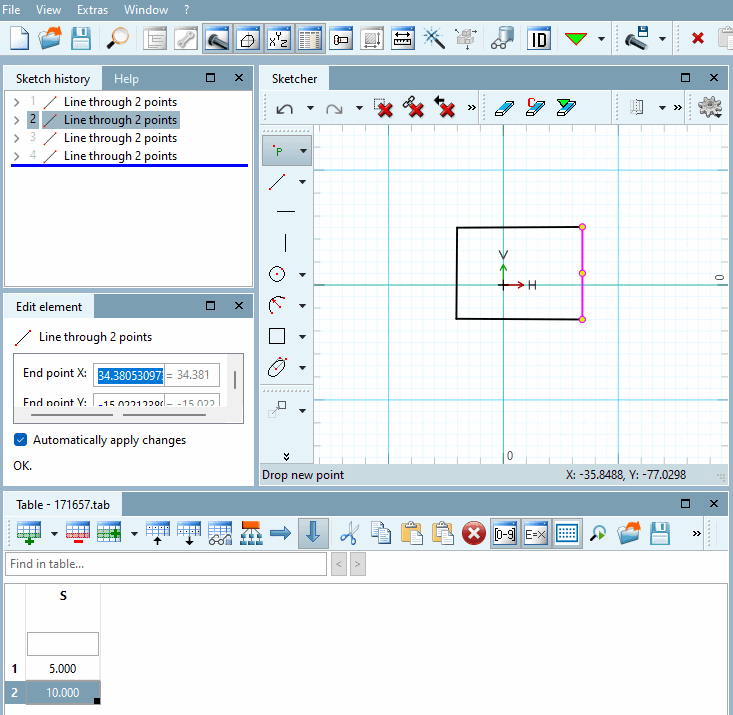
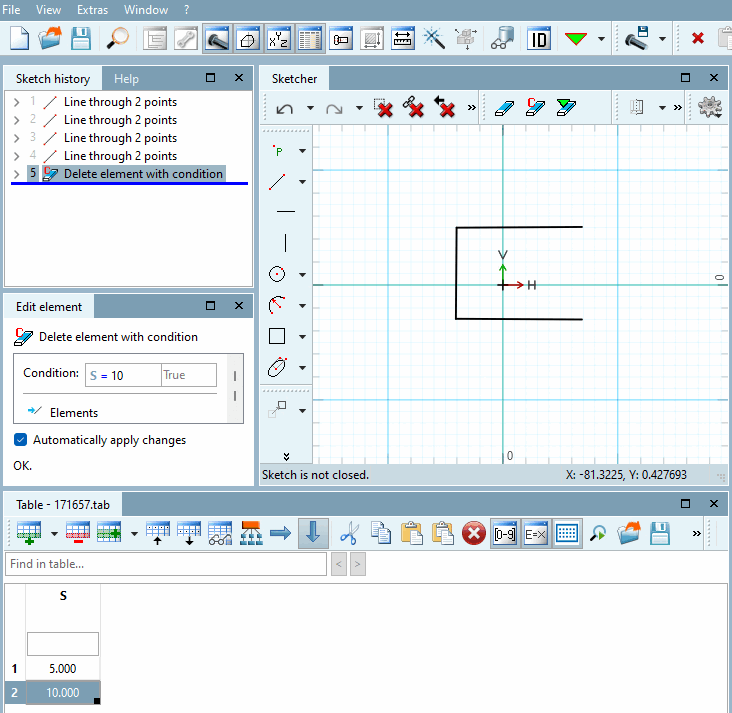
delete [Delete element with condition] in the Sketch History [Sketch history] docking window, adds the step
Delete element as a dependency on the
selected step and deletes Sketcher elements in the Sketcher docking window depending on a
defined condition.
element conditional
delete [Delete element with condition] in the Sketch History [Sketch history] docking window, adds the step
Delete element as a dependency on the
selected step and deletes Sketcher elements in the Sketcher docking window depending on a
defined condition.