7.9.3.3.1.2.  Delete the selected step with its dependent elements Delete

Selected step with delete dependent elements removes [Delete selected step with dependent elements] one or more any steps and all dependent steps from the sketch and of history.

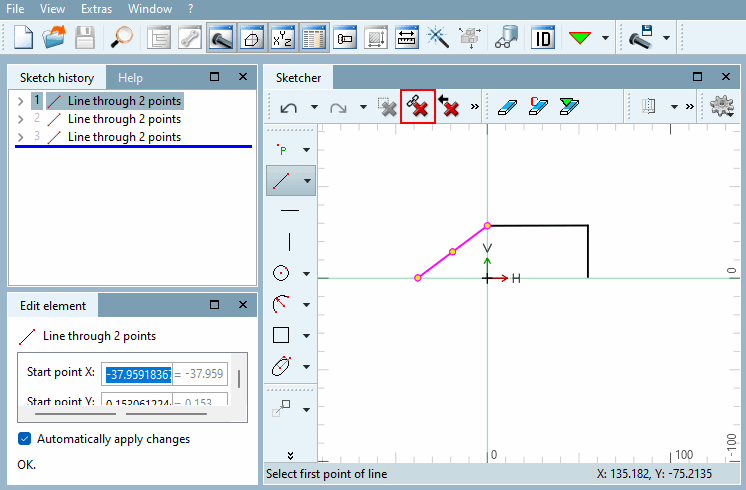
  1. In the Sketcher, click on the element you want to remove.

    Selection before deletion

    Selection before deletion

  2. Click on Delete selected step with dependent elements.

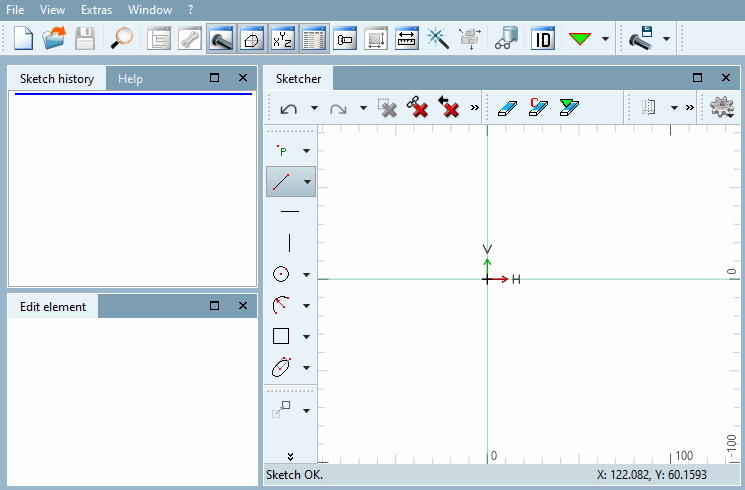
    → The selected step (multiple selections are also possible) is deleted from the history and the sketch along with all dependent elements.

    Result after deletion

    Result after deletion