

Further information on the Search results dialog area:
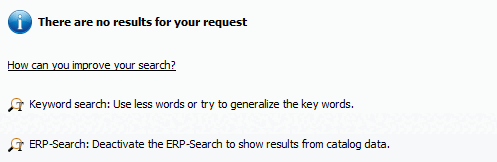
Check which terms are mentioned in the catalog and project information and use these alternatively. See Section 2.1.6.8, “Catalog, project and part information”.
If there are more than 50 results[71] the button will appear at the bottom of the As a rule, the desired results are among the first hits. If you still want to see more results, successively click on ... or Show all results.... [Show all results...]
 Save search results in your favorites [Save search results in favorites]. See Section 2.1.6.7.5, “
Save search results: in favorites / in file”.
Save search results in your favorites [Save search results in favorites]. See Section 2.1.6.7.5, “
Save search results: in favorites / in file”. Save search results in a file. See Section 2.1.6.7.5, “
Save search results: in favorites / in file”.
Save search results in a file. See Section 2.1.6.7.5, “
Save search results: in favorites / in file”.


[71] If you want to change the default setting, click on the "Search settings [Search settings] " button and select the "General [General] " tab.