PARTdesigner is called up in PARTproject after selecting the desired file under Project selection and then either via context menu command or in the Settings docking window by clicking on the button.
Depending on which file was used to make the call, the PARTdesigner opens with the specifically required docking windows.
You can edit the following file types with PARTdesigner:
* .3db file: Selection of the desired file -> Docking window Settings -> button
PARTdesigner opens with the docking windows 3D history [3D History], 3D view, variable manager [Variable Manager] and table [Table].
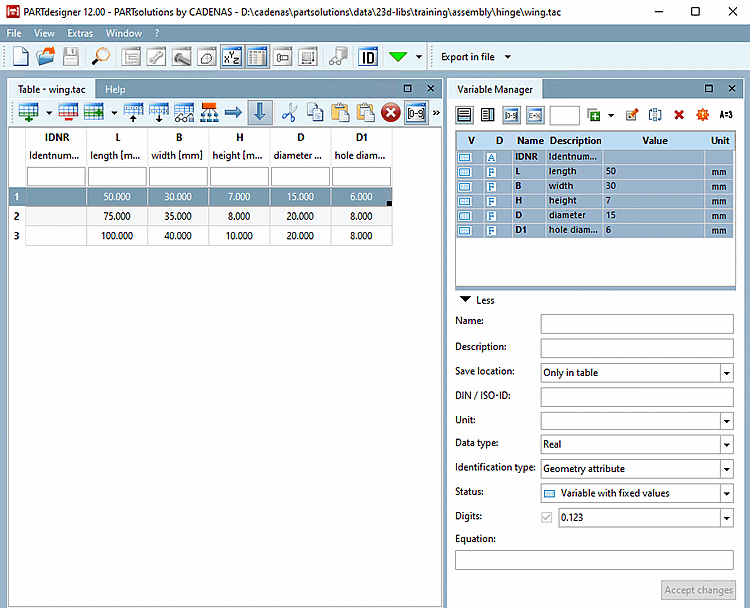
* .tab/tac file: Select the desired file > Settings tab > button
PARTdesigner opens with the docking windows Table and Variable manager [Variable Manager].
* _asmcfg.prj file: Project selection -> Context menu command Open with PARTdesigner [Open with PARTdesigner]
-> PARTdesigner opens with the docking windows Configurator, 3D View [3D view], Structure [Assembly] and Table.