General information about the company and partnerships
Don´t miss anything! Inform yourself aboutall news and events.
The next dimension visual 3d search engine for manufacturer components
Fast and comfortable support for all questions about our products & solutions.
Download 3D CAD Modelswith 3Dfindit for free
Use our contact form or find a branch office nearby.
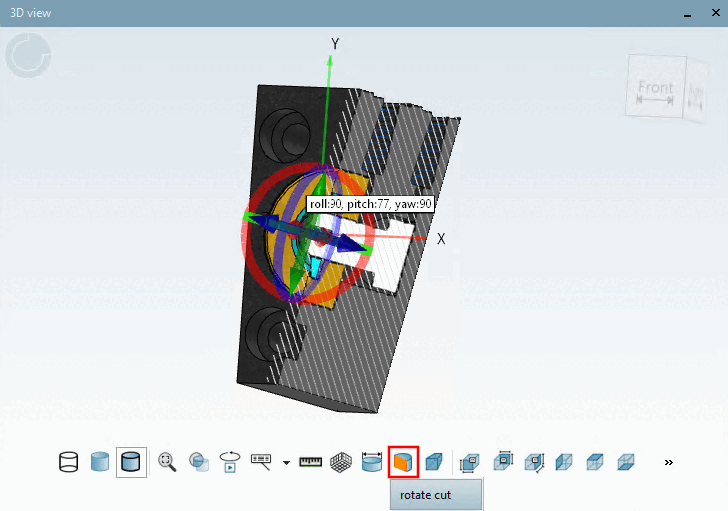
In the 3D view, a grid is displayed by default in cut mode.
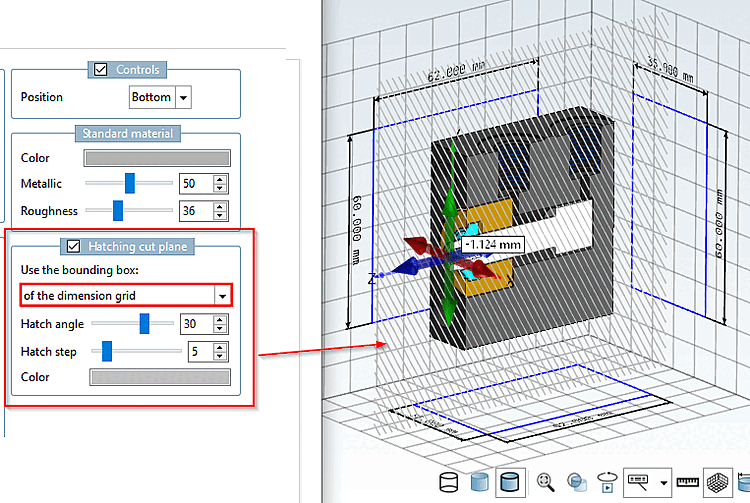
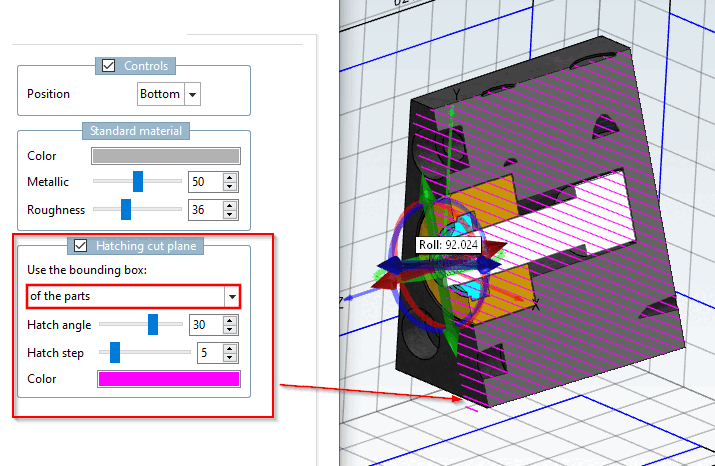
Cross-sectional plane with hatching
In the PARTdesigner settings dialog, you can make specific adjustments .
Hatch Style Layer [Hatching cut plane]: Enabled / Disabled
Use a border [Use the bounding box] from
Dimensioning Grid
Part
Hatching Angle
Hatching Spacing
Color