1.4.1.1. ENTERPRISE 3Dfindit 1.4.1.1.1. Facet filter: Reduce list field options with input of logical operators |  |
| Prev | Next |
An input field for logical operators is now displayed in the facet filter to reduce list field options.
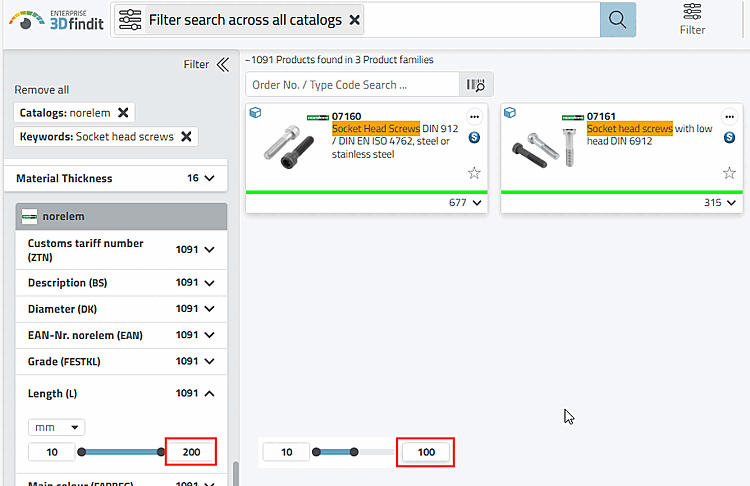
Initial situation: A slider is displayed to restrict variable values.
For example, reduce the upper limit value to 100.
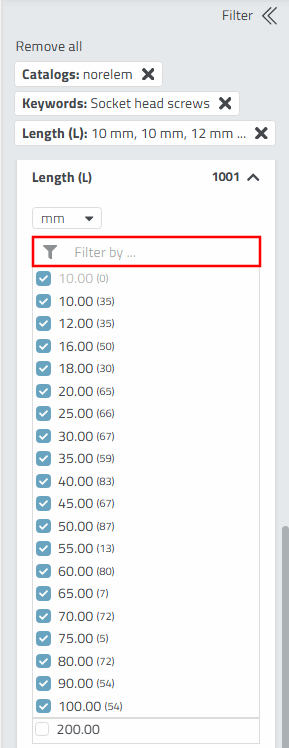
-> As only comparatively few values are now possible, the remaining values are displayed in the form of a list.
However, perhaps only one or two values are required. It is quicker to use the filter that now appears than to deselect those that are not required.
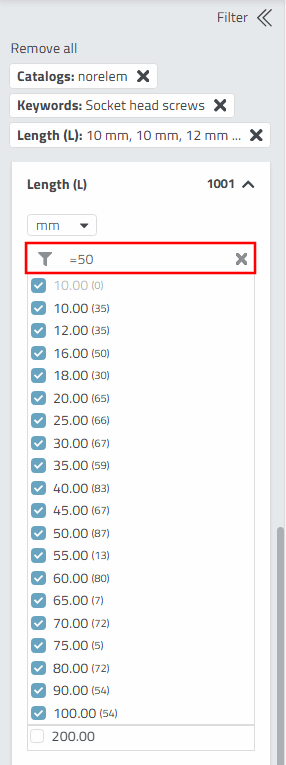
To reduce the list to the desired value in a single move, enter the value 50 with the logical operator "=", for example.
=50
Press the Enter button after entering the data.
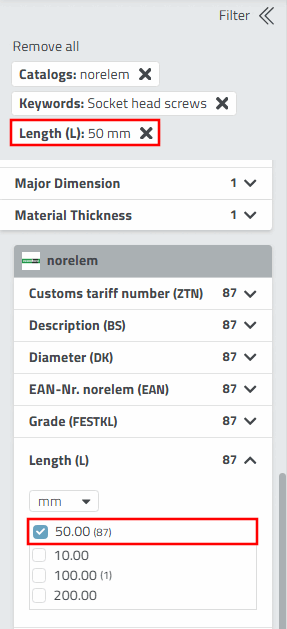
-> Now only option 50 is valid.
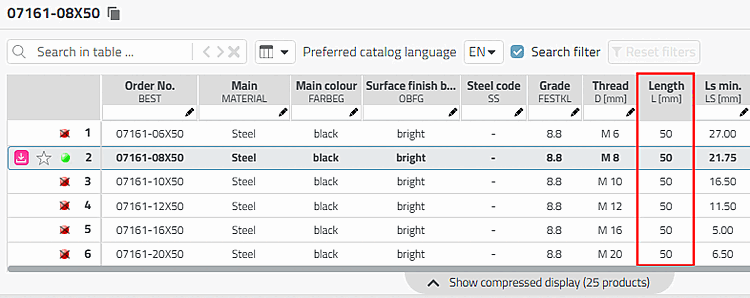
If you now open a product, the table will only contain rows with L=50.