1.2.1.1.2. Boolean operations available in comparison

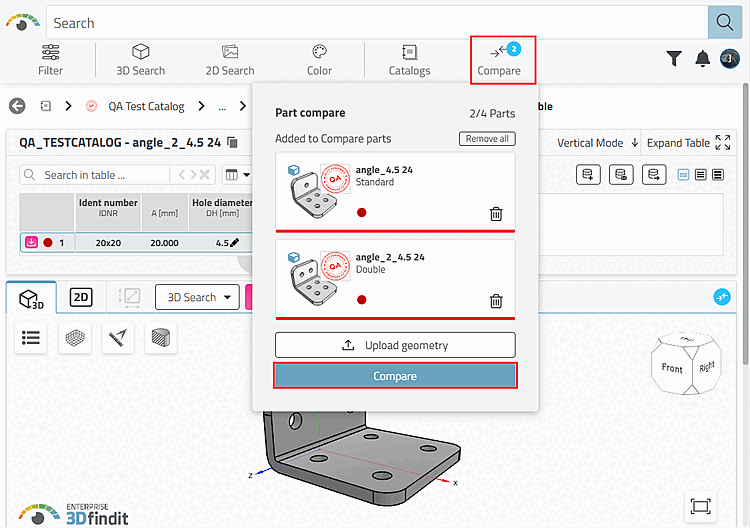
With V12.12 there are Boolean comparison options in the parts comparison [Part compare]. Open this in the Parts comparison [Part compare] dialog using the Compare button.

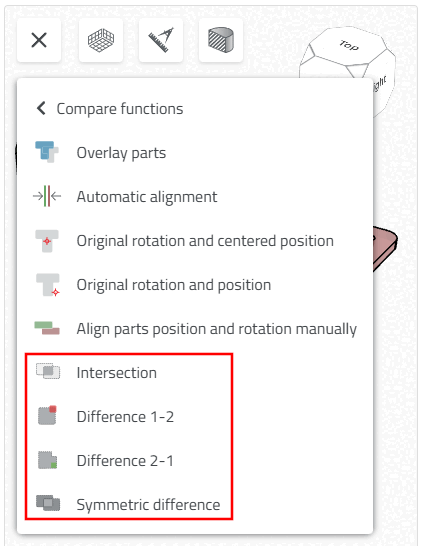
In the 3D window of the part comparison, you can access the new functions via Additional functions > Comparison functions [Compare functions]:
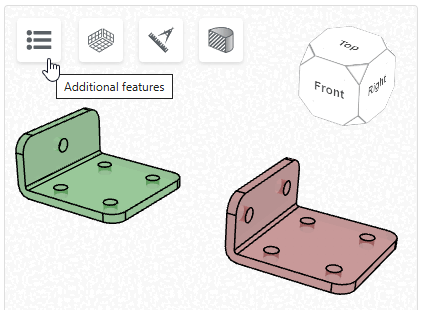
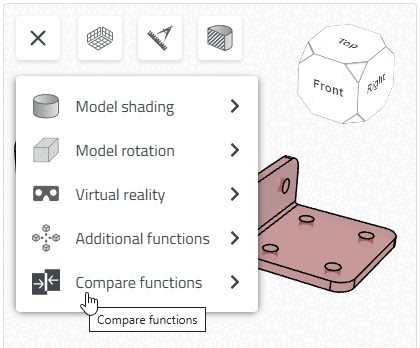
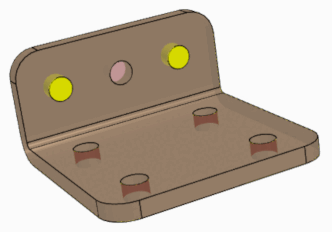
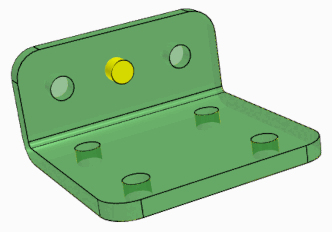
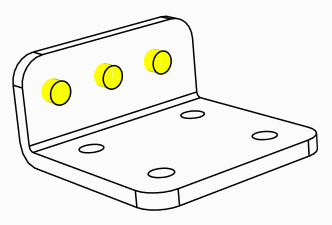
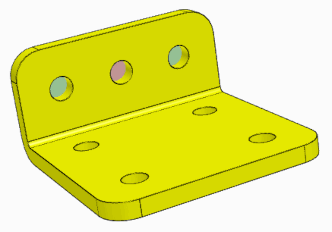
By default, the components are displayed in green / red and the result in yellow.

  • 1st component: green

  • 2nd component: red

  • Result: yellow

    Note: Smaller component (which is completely contained in the larger component) minus larger component gives no result = no yellow coloration

Difference 1-2

Difference: component 1 minus component 2

Difference 2-1

Difference: component 2 minus component 1

Symmetrical difference [Symmetric difference]

Sum of the differences between component 1 and component 2

Unification quantity-Intersection quantity

Shows the component areas in which the parts differ.

Intersection

Shows the component areas in which the components are identical.

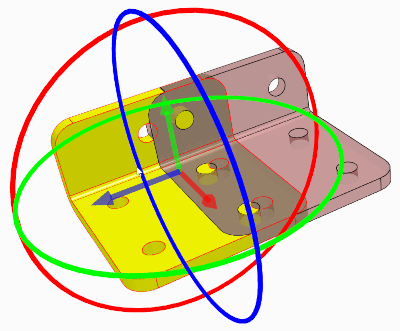
By clicking on the superimposed parts, movement axes and circles are displayed. You can now view the results of the Boolean comparison functions in real time in motion mode.