

In versions <=12.11, the Search result filter on/off [Search filter on/off] icon appeared in the top left corner of the table if characteristics had been filtered using the search input or the facet filter in order to focus on the desired ones.
Search result filter on/off [Search filter on/off]:  /
/ 
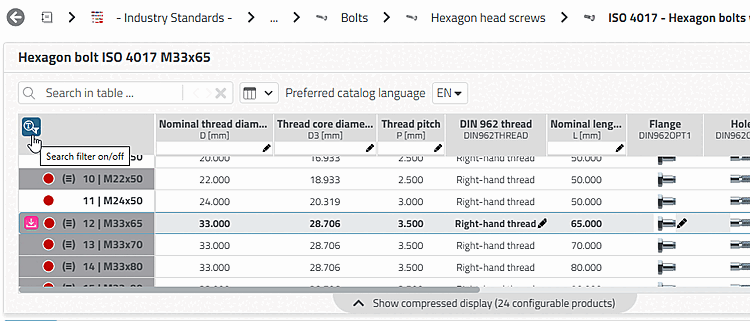
From V12.12, the display no longer exists in this form:
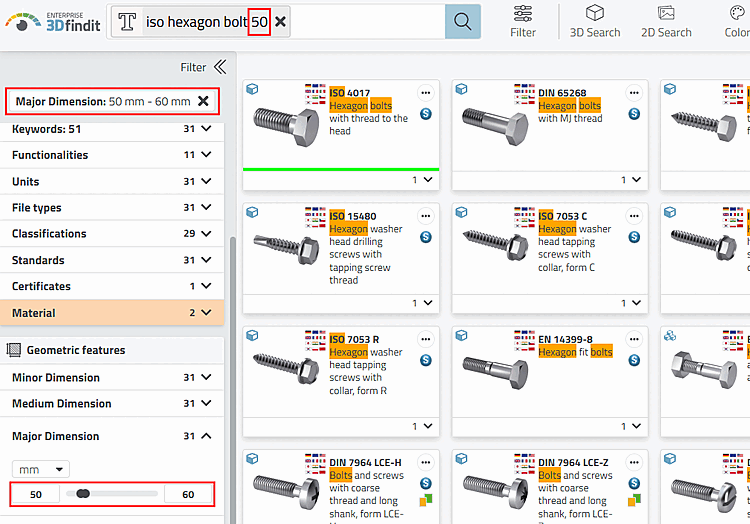
![Table with "Search filter [Search filter]" option and "Reset filter [Reset filters]" button](https://webapi.partcommunity.com/service/help/latest/pages/en/partsolutions_user/doc/resources/img/img_9d4997a2b93248b3bcef2612d922fa19.png)
At the end of the table you will see the information Show compressed display with the number of configurable products. If you click on the information, the table is displayed unfiltered.