
 |
DXF files are often imprecise. During the DXF import the DXFHealer automatically conducts an error correction so that problems do not arise later during export to the CAD system.[97]
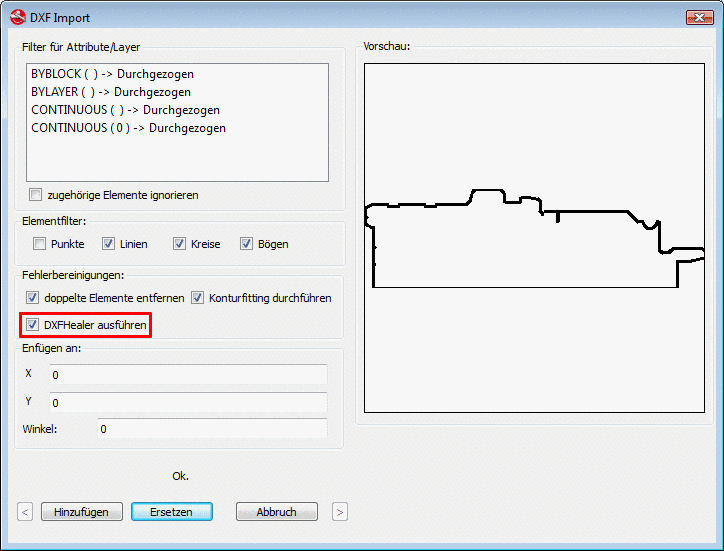
Activate the
checkbox Execute DXFHealer
on the DXF Import page.
(The dialog page shows up in PARTdesigner, in the Sketcher during the
sketch import  when choosing *.dxf)
For an
already imported sketch, open the DXFHealer via the  button from the button bar.
The following examples show the results of an error correction:
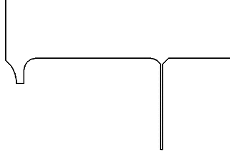
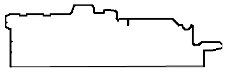

If changes were made, these are shown in the message window. If nothing was issued, then nothing was changed.

The following messages are possible (also more):
More information under Section 7.9.3.2.2, “Dialog box „DXF Import“ (*.dxf file) ” in eCATALOGsolutions Manual.
[97] For those of you who want to use this feature under V8.1, there is a special partdesigner.exe available.